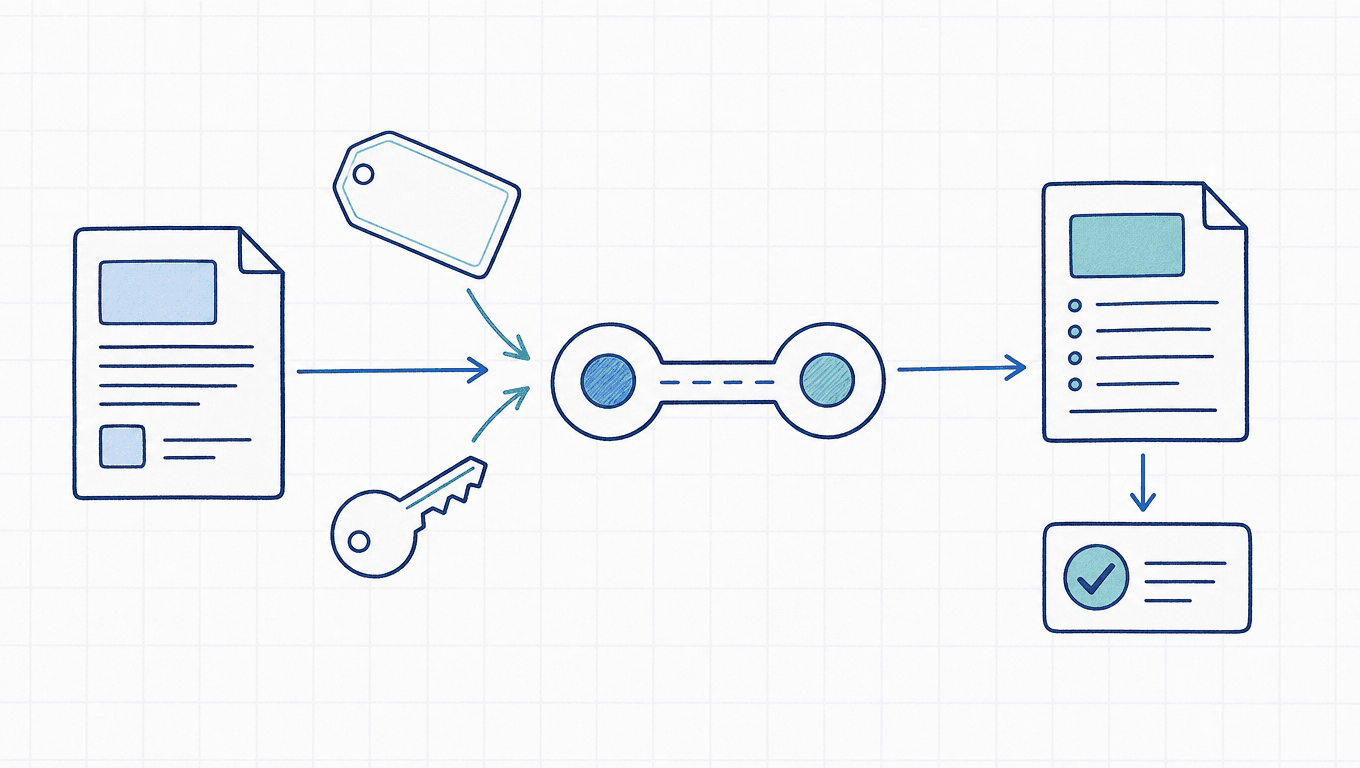
To connect Claude Code to a third-party API, you need to configure the target address, that provider's credentials, and a model ID it supports. The address decides where requests go, the credentials decide who authenticates and gets billed, and the model ID decides which model is requested. Change only one of these fields and you can easily hit a login conflict or end up with requests that never reach the target channel.
The steps below target gateways that provide an Anthropic Messages endpoint, with a concrete AICodeWith configuration. They apply to the installed terminal version of Claude Code; the VS Code extension and the desktop app connect in different places, and the end of the article covers that boundary. The material was verified on October 10, 2026. The configuration and request examples were not tested against a paid account.
Prepare the root URL, the full key, and the model ID
First run claude --version to confirm the terminal recognizes the program. To use Sonnet 5.5, the official requirement is v2.1.284 or later; to also use Haiku 5.5, use v2.1.293 or later. If it isn't installed yet, complete the matching installation steps first, then continue with the configuration.
Confirm three values from the provider's documentation:
| Field | AICodeWith example | Purpose |
|---|---|---|
| ANTHROPIC_BASE_URL | https://api.aicodewith.ai | Anthropic root URL for Claude Code |
| ANTHROPIC_AUTH_TOKEN | The full API Key you created | Sends the gateway credential per the AICodeWith CLI documentation |
| Model ID | claude-sonnet-5-5 | A model the target channel provides and allows you to call |
This way of connecting Claude Code uses the Anthropic format. The AICodeWith documentation keeps its OpenAI-compatible endpoint https://api.aicodewith.ai/v1 separate from the Anthropic root URL; the full Messages request path is /v1/messages. When entering the root URL in a tool, don't append /v1/messages again.API protocol and address notes
In your AICodeWith account, go to “Key Management,” create and name a key, and copy the full string shown at creation. If you've set channel, model, or spending limits on the key, confirm they allow this call. The masked string in the management list can't be used as a Key.How to create a key
Copy the model ID from the target channel's catalog. A model listed on the website doesn't mean every Key you create has the same access; check your account's limits before sending a test request.
First, set it in a single terminal session
This step only affects the current terminal and programs launched from it, so you can verify first and decide later whether to save it. Replace the placeholder with your full Key.
Bash/Zsh on macOS or Linux:
export ANTHROPIC_BASE_URL="https://api.aicodewith.ai"
export ANTHROPIC_AUTH_TOKEN="YOUR_AICODEWITH_API_KEY"
unset ANTHROPIC_API_KEY
claude --model claude-sonnet-5-5
Download this example source file (TXT, line breaks and indentation preserved)
Windows PowerShell:
$env:ANTHROPIC_BASE_URL = "https://api.aicodewith.ai"
$env:ANTHROPIC_AUTH_TOKEN = "YOUR_AICODEWITH_API_KEY"
Remove-Item Env:ANTHROPIC_API_KEY -ErrorAction SilentlyContinue
claude --model claude-sonnet-5-5
Download this example source file (TXT, line breaks and indentation preserved)
What this clears is the other credential variable in the current session, so keys from different sources aren't both passed to the client; it doesn't delete your account or any saved login. The example puts the Key in the command, which may end up in terminal history. If you don't want credentials in history, use the personal settings file in the next section directly and verify through Claude Code.
If you already have settings.json's env configuration, it may override same-named shell variables. Before testing, check the original configuration, and after launch use /status to verify the address actually in effect.Official gateway connection notes
Persistent configuration: merge into settings.json
Once the current terminal's settings check out, merge them into your personal settings file. On macOS/Linux it's ~/.claude/settings.json; on Windows it's %USERPROFILE%\.claude\settings.json.
{
  "model": "claude-sonnet-5-5",
  "env": {
    "ANTHROPIC_BASE_URL": "https://api.aicodewith.ai",
    "ANTHROPIC_AUTH_TOKEN": "YOUR_AICODEWITH_API_KEY",
    "ANTHROPIC_API_KEY": ""
  }
}
Download this example source file (TXT, line breaks and indentation preserved)
This is the complete minimal file shape. If your existing file has permissions, plugins, or other env fields, merge the relevant fields rather than overwriting everything with this snippet. Restart Claude Code after filling it in.AICodeWith terminal configuration
To use it for a single project only, you can use .claude/settings.local.json. If you create the file by hand, add it to your ignore rules first; don't put real credentials in the team-shared .claude/settings.json.
If the first launch still stops at the onboarding page, first confirm the address and credentials are actually being loaded. The AICodeWith CLI documentation also provides a setting in ~/.claude.json, namely the hasCompletedOnboarding: true setting; this is that documentation's way of handling startup, not an API authentication field. If you really need it, merge it into the existing file as the documentation describes, to avoid overwriting your login or other state.
Verify the configuration, calls, and channel records
In Claude Code, run /status and check:
Anthropic base URLis the address you configured.- Whether the credential source points to the configured
ANTHROPIC_AUTH_TOKEN, rather than just showing the original claude.ai login.
Then send a short request, such as “Reply with OK only,” and confirm you get a normal response. Then check the provider's dashboard for call records at the matching time, and verify the model, channel, usage, and billing. A normal reply only shows that the operation completed; the dashboard record is what helps confirm which billing route it took.
To verify the network and the client separately first, send a direct request from the Bash/Zsh terminal where you exported the variables earlier:
curl -sS -w '\nHTTP %{http_code}\n' \
  "$ANTHROPIC_BASE_URL/v1/messages" \
  -H "Authorization: Bearer $ANTHROPIC_AUTH_TOKEN" \
  -H "anthropic-version: 2023-06-01" \
  -H "content-type: application/json" \
  --data-binary '{"model":"claude-sonnet-5-5","max_tokens":4096,"output_config":{"effort":"low"},"messages":[{"role":"user","content":"Reply OK."}]}'
Download this example source file (TXT, line breaks and indentation preserved)
This command reads variables from the shell and doesn't automatically read settings.json. If you only used persistent file configuration, just verify directly in Claude Code, or set the same variables in this terminal first.
After the HTTP request succeeds, also check the Messages-format response's model, content and stop_reason. Thinking may appear in the content blocks first, so don't read only the first text block. If the direct request succeeds but the CLI fails, focus on the client version, configuration scope, and permissions instead of blindly swapping keys.
Why API_KEY and AUTH_TOKEN shouldn't be mixed up
The two variables map to different request headers:ANTHROPIC_AUTH_TOKEN uses Authorization: Bearer, while ANTHROPIC_API_KEY uses x-api-key. Whether a variable name contains “API” doesn't determine which header a provider requires; follow its integration documentation.
AICodeWith's Claude Code guide uses the former and sets the latter to empty. Other gateways may require the latter. This configuration can't be applied unchanged to every provider.Official notes on credentials and request headers
Once the gateway credential is enabled, a saved claude.ai login can stay, but the corresponding requests use the gateway credential. If you set only ANTHROPIC_BASE_URL without the correct credential, you can't conclude that subscription billing has been replaced. Confirm with /status together with the call records.
Handle common failures in this order
| Problem | Check and fix | Verify after the fix |
|---|---|---|
| 401, Invalid API key | Full Key, stray spaces, whether it's from this provider, header type, conflicting credentials | The same short request succeeds and the dashboard shows a record |
| 404 or model not found | Duplicate path in the root URL, full model ID, Key model/channel restrictions | Resend after checking the path and permissions |
| Still asks for login or shows the original account | Settings scope, whether the program was launched from the right terminal, overwritten existing files | /status shows the target address and credential source |
| 429 or insufficient quota | Tell rate, concurrency, spending limits, and balance apart from the error body | Request again after the limit condition clears |
| 200 but the app gets an empty answer | Content block parsing, tool flow, stop_reason and output budget | Get the full text or complete the tool turn |
| Can't connect, timeout | Network to the target domain, provider route, proxy, and the stage where the error occurs | Send a direct request first, then verify the CLI |
Fix one layer at a time. If the provider offers other routes, swap the domain per its documentation and keep the matching protocol path. Don't lump API timeouts, tool execution timeouts, and permission denials together as “unstable network.”
VS Code and the desktop app need separate configuration
An editor launched from the system Dock or the Start menu doesn't necessarily inherit the environment variables from the terminal you just used. The current official docs recommend configuring the gateway address and credentials in the VS Code user settings, via claudeCode.environmentVariables; this also affects the extension's own login check.
The desktop app reads its third-party inference configuration, so don't assume the CLI's settings.json controls it. An existing organization-level configuration may also take precedence over local choices. If you use other entry points, follow the official configuration guide for each entry point and don't report the terminal's verification result as if the desktop app has passed.
First, in a single terminal, make sure the short request, the target model, and the channel all match in the records, and only then save the configuration or extend it to other entry points. To go back to the old route, delete the gateway address and credential variables you added this time, restore the original configuration, restart, and then use /status to check what actually took effect.
Related Reading
If the same account also needs to connect to other models, see how to unify protocols, addresses, and call records across different models. Once Claude is connected, you can move on to model selection; for how to split everyday development and complex investigations, see Sonnet 5.5 vs. Opus 5.5.