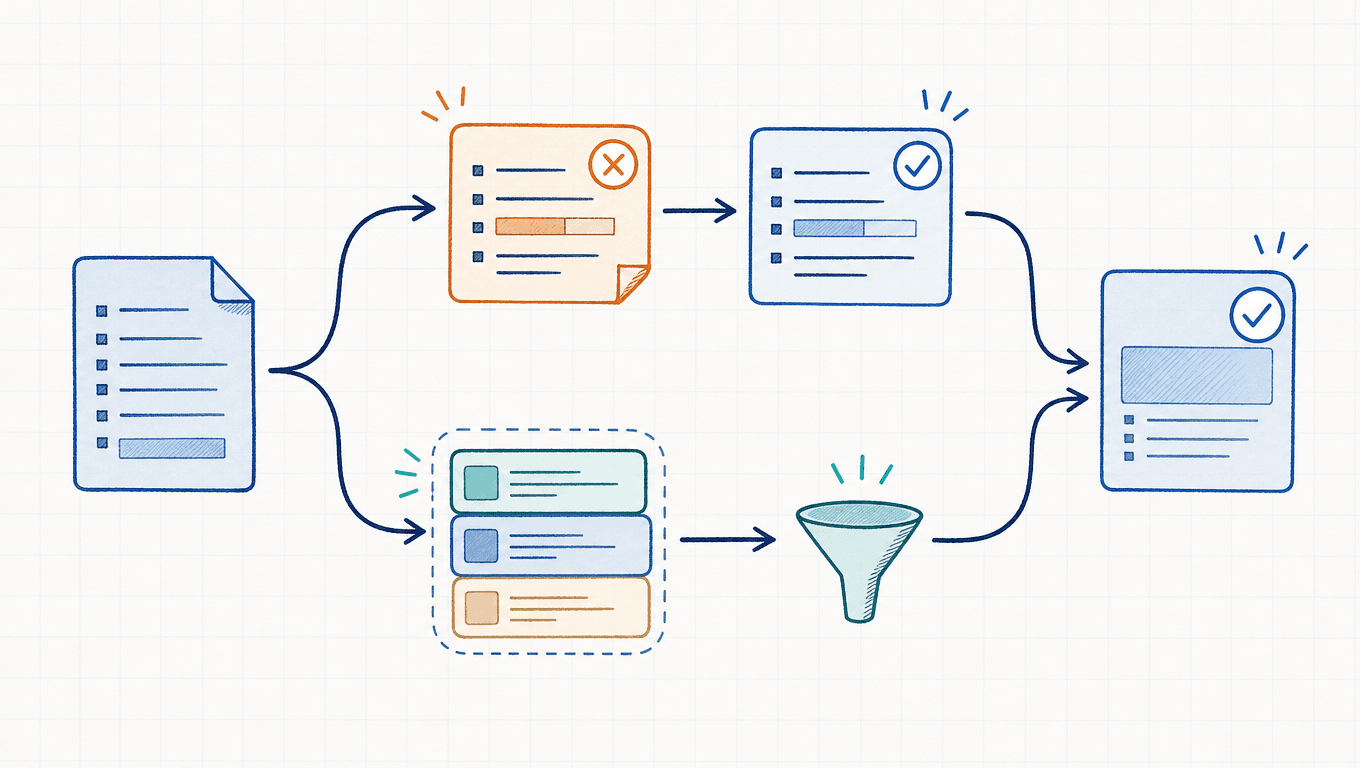
Change model to claude-haiku-5-5 and you get a 400, first check whether the old request has a manual thinking budget, sampling parameters, or a trailing assistant prefill message. If the HTTP request succeeded but your program shows an empty answer, check the content type and stop_reason. The two cases need different fixes in the code.
This article covers Anthropic Messages API requests and parsing. Model names, authentication, and feature support may differ across cloud platforms and gateways. Sources verified on October 10, 2026. The examples were not run against paid calls, and the behaviors below are troubleshooting branches, not actual error logs from this site.
Narrow it down by status code first
Keep the HTTP status, error type, error message, and request ID, and record the URL, model ID, and client version used. Remove keys and business content before sharing logs. Don't keep only the client's rewritten "request failed".
| Symptom | Check first | Next step |
|---|---|---|
| 400, invalid request parameters | thinking, sampling parameters, assistant prefill, old tool definitions | Restore parameters one by one using the minimal request below |
| 401, invalid key | Whether the key matches the provider, whether it's complete, auth fields | Set authentication per that provider's docs |
| 404 or model not found | Request path, exact model ID, channel permissions | Check the routing URL and available models separately |
| 429 | Rate, concurrency, account quota, and error body | Handle according to the actual limit; follow the retry guidance the service returns |
| HTTP succeeds, text is empty | Content block types, stop reason, tool calls | Parse the raw response first, then check the output budget |
These are directions for investigation; you can't assert a cause from a status code alone. Gateways may use their own error formats, and model permission problems may return other statuses.
When using an API relay that supports multiple models, verifying the protocol helps more than swapping keys over and over. For example, AICodeWith API overview separates Claude's Anthropic root URL from the OpenAI /v1 endpoint. Don't apply Chat Completions choices parsing logic to Messages responses.
400: Change the manual thinking budget to adaptive
An old Haiku 4.5 request may contain:
{
  "thinking": {"type": "enabled", "budget_tokens": 8000}
}
Download this example source file (TXT, line breaks and indentation preserved)
Haiku 5.5 rejects this configuration. Change it to thinking: {"type": "adaptive"}, and use output_config.effort to adjust the effort. Omitting thinking also uses the default adaptive behavior, so don't assume the response always starts with text.Official thinking migration notes
Save the Python example below as haiku_check.py. It uses the standard library and picks the request header based on the credential you set: use ANTHROPIC_API_KEY for direct official access, and for AICodeWith, follow its integration docs and use ANTHROPIC_AUTH_TOKEN. Don't set both.
Official direct access in Bash/Zsh:
export ANTHROPIC_BASE_URL="https://api.anthropic.com"
export ANTHROPIC_API_KEY="YOUR_ANTHROPIC_API_KEY"
unset ANTHROPIC_AUTH_TOKEN
python3 haiku_check.py
Download this example source file (TXT, line breaks and indentation preserved)
AICodeWith in Bash/Zsh:
export ANTHROPIC_BASE_URL="https://api.aicodewith.ai"
export ANTHROPIC_AUTH_TOKEN="YOUR_AICODEWITH_API_KEY"
unset ANTHROPIC_API_KEY
python3 haiku_check.py
Download this example source file (TXT, line breaks and indentation preserved)
AICodeWith example for Windows PowerShell:
$env:ANTHROPIC_BASE_URL = "https://api.aicodewith.ai"
$env:ANTHROPIC_AUTH_TOKEN = "YOUR_AICODEWITH_API_KEY"
Remove-Item Env:ANTHROPIC_API_KEY -ErrorAction SilentlyContinue
py haiku_check.py
Download this example source file (TXT, line breaks and indentation preserved)
These commands require Python 3 and should be run from the directory where you saved the script. On Windows, if you don't have the py launcher, use an python command that can run Python 3. Replace the placeholder with the full key from your target provider, and never commit real keys to a repository.
In Claude Code, settings.json only affects the corresponding client process and does not automatically pass credentials to a separately launched Python. Even if Claude Code already works, you still need to set the variables above in the terminal where you run the script. For other gateways, choose the header according to their docs; don't judge by the key name alone.
import json
import os
import urllib.error
import urllib.request

base_url = os.getenv("ANTHROPIC_BASE_URL", "https://api.anthropic.com").rstrip("/")
api_key = os.getenv("ANTHROPIC_API_KEY", "").strip()
auth_token = os.getenv("ANTHROPIC_AUTH_TOKEN", "").strip()
if api_key and auth_token:
    raise SystemExit("同时设置了 API_KEY 和 AUTH_TOKEN,请按目标服务商文档只保留一种。")
if not api_key and not auth_token:
    raise SystemExit("请先在当前终端设置 ANTHROPIC_API_KEY 或 ANTHROPIC_AUTH_TOKEN。")
headers = {
    "anthropic-version": "2023-06-01",
    "content-type": "application/json; charset=utf-8",
}
if auth_token:
    headers["Authorization"] = "Bearer " + auth_token
else:
    headers["x-api-key"] = api_key
body = {
    "model": "claude-haiku-5-5",
    "max_tokens": 4096,
    "thinking": {"type": "adaptive"},
    "output_config": {"effort": "medium"},
    "messages": [{"role": "user", "content": "用一句话说明 HTTP 400 的含义。"}],
}
request = urllib.request.Request(
    base_url + "/v1/messages",
    data=json.dumps(body, ensure_ascii=False).encode("utf-8"),
    headers=headers,
    method="POST",
)
try:
    with urllib.request.urlopen(request, timeout=60) as response:
        result = json.load(response)
except urllib.error.HTTPError as error:
    print("HTTP", error.code)
    print(error.read().decode("utf-8", errors="replace"))
    raise SystemExit(1)
except urllib.error.URLError as error:
    raise SystemExit("连接失败:" + str(error.reason))

print("model:", result.get("model"))
print("stop_reason:", result.get("stop_reason"))
print("usage:", result.get("usage"))
text = "".join(
    block.get("text", "")
    for block in result.get("content", [])
    if block.get("type") == "text"
)
print("text:", text)
Download this example source file (TXT, line breaks and indentation preserved)
This example only covers a single-turn, non-streaming request with no tools. It does not execute tool calls or automatically continue truncated output. On success, check the HTTP status, the returned model, and non-empty text. Don't treat a code sample as evidence of a successful call.
If it succeeds while your original app fails, compare the final JSON each one sends. SDK defaults, framework configuration, or middleware layers may add parameters you didn't set explicitly. Restore one group of parameters at a time to find the smallest difference that triggers the error.
400: Remove old sampling parameters, especially top_p: 1
The simplest compatible fix is to omit temperature, top_p, and top_k. The official rules are more specific than "no sampling fields are supported":
- Explicitly setting
temperatureallows only1. - Explicitly setting
top_pallows only0.99; the value often used in older code,1, will fail. - Any
top_kwill fail. - Passing
temperatureandtop_ptogether also fails, even if each value meets the requirements individually.
Inspect the actual network request rather than only searching for config in your business code. If an old SDK, proxy, or framework fills in default sampling values, the error can persist after you remove the fields at the upper layer.Sampling parameter rules
400: End with a user message and replace the assistant prefill
At the end of messages, older apps sometimes append an assistant message that starts with { so the model keeps generating JSON. Haiku 5.5 rejects this prefill, even with thinking turned off.
If the goal is to constrain the format, use structured outputs or tool constraints supported by your target platform. If you just want a direct answer, put the requirement in system or user. If the goal is continuation, put the previous ending into a user message as reference material and say where to continue. The request still ends on a user turn.
Note the platform differences: the official migration docs state that Haiku 5.5 does not offer structured outputs on Amazon Bedrock. Don't present format features of the official Claude API as available on every channel. On channels without format constraints, validate JSON and fields in your application.
Request succeeded but text is empty: parse content by type
Haiku 5.5 uses adaptive thinking by default, so the leading content blocks may not be text. Code that always grabs the first block, like the following, can miss the answer:
answer = result["content"][0]["text"]
Download this example source file (TXT, line breaks and indentation preserved)
For single-turn text scenarios, you can use the earlier example, which collects blocks by type == "text" type. A full agent must handle text, thinking, tool_use blocks separately. Don't treat the filtered text as the complete assistant history. When returning tool results, keep the original blocks and linked fields that need to be sent back.
A default thinking block may contain only a signature, and its thinking field is empty. That doesn't mean the request failed. To display summaries, the official API supports thinking: {"type": "adaptive", "display": "summarized"}. This setting is for display and doesn't replace parsing the final text.
Then check stop_reason:
| Stop reason | Meaning and handling |
|---|---|
| end_turn | The model ended its turn; then check the text and business fields |
| tool_use | Enter the tool execution and result-return flow; don't treat it as the final answer |
| max_tokens | Output budget exhausted; may stop after thinking and before text |
| refusal | Request refused; display or hand off per business rules, and don't retry it like an ordinary empty answer |
Thinking also consumes max_tokens. On truncation, raise the limit to a reasonable value or lower effort, then check task complexity. Don't treat lowering the output cap as a general way to save money. Haiku 5.5 uses a new tokenizer, so token budgets from older models also need to be re-estimated.Response and Budget Changes
Single-turn succeeds, multi-turn fails: check the history prefix and the account
If a minimal request works but errors appear once you add conversation history, check whether you modified the system prompt, tools, or older messages that come before a thinking block that was already returned. Haiku 5.5's prefix binding checks history consistency. Keep the original prefix intact and append new messages at the end. The official docs also list different conditions for accounts created before August 31, 2026, so don't overlook the account and its related settings when troubleshooting.
Thinking blocks are also bound to the account that generated them, or to a linked account. If another account replays them, the API may drop those blocks and still process the request successfully, so the absence of an error doesn't prove the original reasoning was fully preserved. If you run a multi-account gateway, check its history routing rules with your provider.
History from the same model also behaves differently from cross-model history. When replaying across models, follow the official thinking compatibility rules, and don't assume every Claude model can read each other's blocks.History Replay and Prefix Binding
Apps that use computer use also need to check the tool version and the agent loop separately. The old computer_20250124 is not a reusable definition for Haiku 5.5. For the specific replacement path on your platform, see the same migration guide.
After the fix, re-verify with the task that originally failed: the request parameters are accepted, the stop reason is handled correctly, and the text or tool results meet your business requirements. Save sanitized records of the request, response, and versions, so that on your next upgrade you can compare exactly which layer changed.
Related Reading
Before upgrading, check capacity and intended use. See Haiku 5.5 specs and migration overview. If your bill goes up after the fix, continue with long context, caching, and channel fees, and don't estimate based only on the old model's token counts.