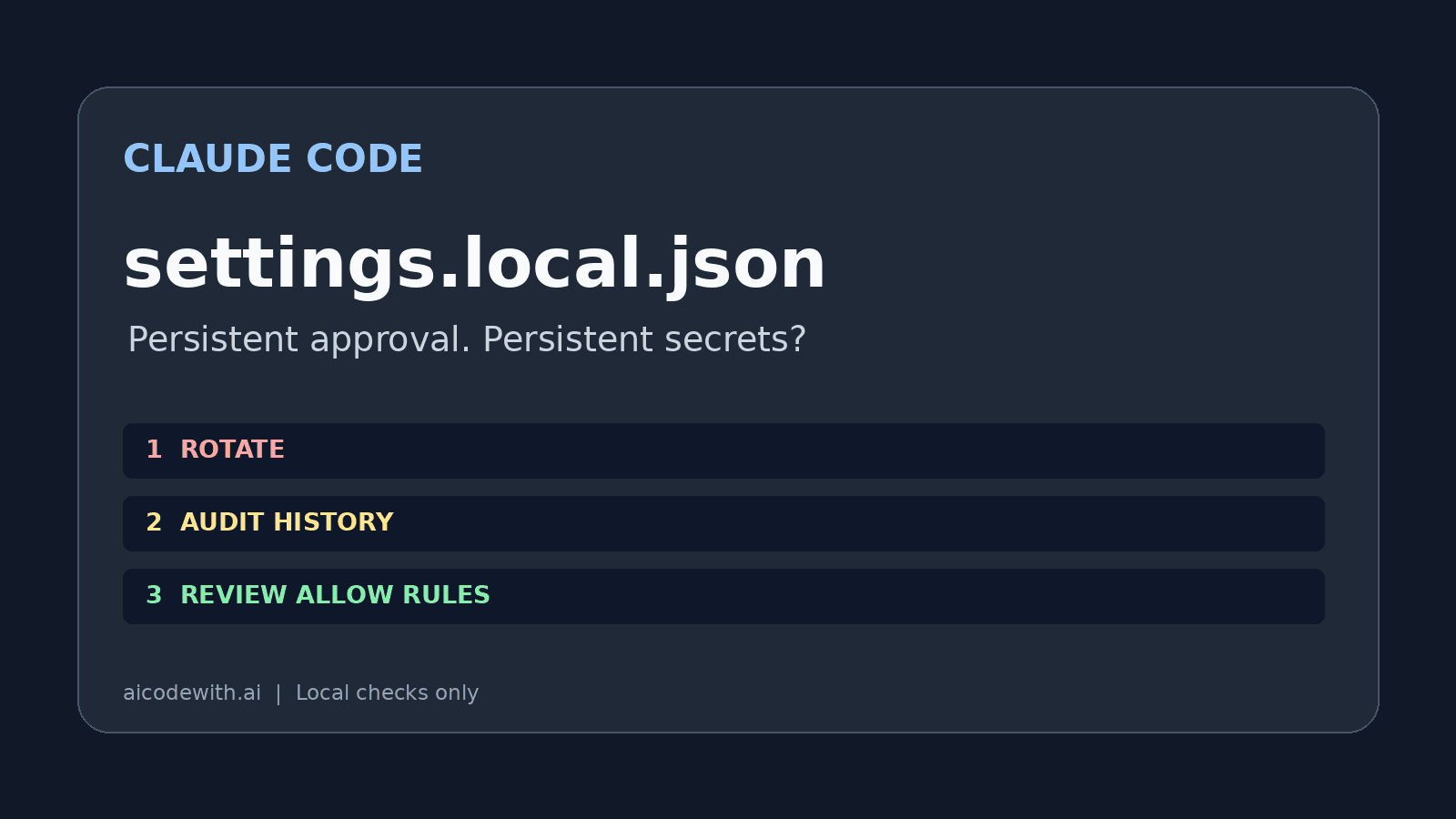
据 The Hacker News 11 月 7 日报道,Apiiro 研究人员指出:选择「Yes, and don’t ask again」时,如果持久授权保存的是含密码的完整命令,秘密可能随 allow 规则进入 .claude/settings.local.json,再因提交而外泄。不是每次批准都会保存完整命令,也不是 Claude Code 默认把文件推到公网。
先处理凭证,再处理文件
发现自己的凭证曾进入公开仓库,先到签发方撤销或轮换密码、Token、API Key,并检查访问记录和权限范围。删除文件、追加忽略规则、重写 Git 历史都不能撤销已泄露的凭证。历史、克隆、分叉及构建产物仍可能留有副本;涉及团队仓库的历史清理应先协调,本文不执行这些操作。
只读检查自己的本地仓库
只对你拥有或获授权的本地仓库运行下方脚本。它只读两个固定路径及当前可达引用的 Git 历史;不联网、不下载其他仓库,也不输出匹配值或原始行。启发式规则存在漏报和误报,零命中不能证明安全;默认最多检查 1000 个不同历史 blob,每个不超过 2 MiB,截断或跳过时需要继续受控排查。它不覆盖聊天记录、其他目录或不可达历史对象。
#!/usr/bin/env python3
"""Read-only heuristic check of exactly two files in one explicitly selected own repo.
Never prints matched values, source lines, remote URLs, or file contents.
Not a complete secret scanner. Do not use on other people's repositories.
"""
import argparse, json, os, re, subprocess
from pathlib import Path
ap=argparse.ArgumentParser(); ap.add_argument('repo'); ap.add_argument('--max-versions',type=int,default=1000)
a=ap.parse_args(); root=Path(a.repo).resolve()
env=os.environ.copy(); env.update(GIT_CONFIG_NOSYSTEM='1',GIT_CONFIG_GLOBAL=os.devnull,GIT_PAGER='cat',GIT_TERMINAL_PROMPT='0')
def git(*args):
    p=subprocess.run(['git','--no-pager','-c','core.fsmonitor=false','-c','core.hooksPath=/dev/null','-C',str(root),*args],env=env,stdout=subprocess.PIPE,stderr=subprocess.DEVNULL)
    return p.stdout if p.returncode==0 else None
top=git('rev-parse','--show-toplevel')
if top is None or Path(os.fsdecode(top).strip()).resolve()!=root:
    raise SystemExit('Select the exact root of your own local repository; no contents printed.')
paths=['.claude/settings.local.json','.claude/settings.json']
rx=re.compile(r"""(?ix)(?:postgres(?:ql)?|mysql|mongodb(?:\+srv)?):\/\/[^\s"'/:]+:[^\s"'@]+@|(?:PGPASSWORD|MYSQL_PWD|password|passwd|api[_-]?key|token)\s*[=:]\s*(?!\$|\\?"?\$)[^\s,;}{]{4,}|\b(?:ghp_|github_pat_|sk-ant-|AKIA)[A-Za-z0-9_-]{8,}""")
limit=2*1024*1024
work=[]
for name in paths:
    p=root/name
    if p.is_symlink() or p.parent.is_symlink():
        work.append({'file':name,'status':'symlink_skipped'}); continue
    if not p.is_file(): work.append({'file':name,'status':'absent'}); continue
    if p.stat().st_size>limit: work.append({'file':name,'status':'size_limit_skipped'}); continue
    work.append({'file':name,'suspected_secret':bool(rx.search(p.read_text(errors='replace')))})
commits=git('log','--all','--format=%H','--',*paths) or b''
seen=set(); checked=0; hits=0; skipped=0; truncated=False
for rev in commits.decode().splitlines():
    for name in paths:
        oid=git('rev-parse',rev+':'+name)
        if oid is None: continue
        oid=oid.strip().decode()
        if oid in seen: continue
        seen.add(oid)
        if checked>=a.max_versions: truncated=True; break
        size=git('cat-file','-s',oid)
        if size is None or int(size)>limit: skipped+=1; continue
        blob=git('cat-file','blob',oid)
        if blob is None: skipped+=1; continue
        checked+=1; hits+=int(bool(rx.search(blob.decode(errors='replace'))))
    if truncated: break
print(json.dumps({'working_tree':work,'history':{'distinct_blobs_checked':checked,'suspected_blobs':hits,'skipped_blobs':skipped,'truncated':truncated},'warning':'heuristic_only; no hit does not prove clean; reachable refs only'},ensure_ascii=False))
python3 selfcheck.py /absolute/path/to/your-own-repository
清掉当前文件不等于清掉历史
轮换后,人工检查并移除含秘密的 allow 规则。在仓库自己的 .gitignore 写入下面的模式。若文件已经被跟踪,只有经审核后执行下面的取消跟踪命令才会停止后续提交;它保留工作区文件,不删除旧提交。本文仅展示命令。不要盲目忽略整个 .claude/,团队共享配置也要单独审查秘密。
**/.claude/settings.local.json
git rm --cached .claude/settings.local.json
变量和模式授权分别解决什么
据 Claude Code 权限文档,Bash(npm run lint) 是精确命令规则,Bash(npm run *) 是通配模式;末尾的 :* 也是兼容语法。精确规则通常比放开整个命令族更窄,但脚本自身仍可执行敏感动作。选择批准项前读清它实际覆盖什么,不要为避免弹窗授予 Bash(*)。下面是写在全局 ~/.claude/settings.json 的权限示意,先合并既有内容,不要覆盖整个文件。
{
  "permissions": {
    "allow": [
      "Bash(npm run lint)"
    ]
  }
}
psql "$DB_URL" 是 shell 引用变量的示意,不是安全保证。通过受控秘密管理器向本地会话注入变量,避免把密码直接拼进命令;但变量展开后仍可能出现在进程参数、跟踪日志或工具输出中,模型也可能生成包含实际值的另一条命令。不要开 shell tracing,不要输出变量,不要把变量的值写进 allow 规则。本文没有连接数据库。
Claude Code、Codex、Cursor 配置对照
据 Claude Code 设置文档,用户全局设置是 ~/.claude/settings.json;项目本地权限文件是 .claude/settings.local.json,共享项目设置是 .claude/settings.json。客户端首次写入本地文件时会按条件加入全局 Git excludes,但这条保护不随仓库传播,也不能取消已经跟踪的文件。Codex 的本站接入配置放全局 ~/.codex/config.toml。下方只展示供应商元数据,刻意省略认证值,不是完整可运行的认证配置。experimental_bearer_token 的真实值只能在自己的本地私密配置中处理,不要复制到文章或提交。
据 Codex 官方配置参考 与 配置基础,model_provider 选择自定义供应商,name 是显示名,base_url 是 API 基址,wire_api = "responses" 指定协议。官方仍列出 experimental_bearer_token,但明确不建议直接在配置中保存 Token。本例只沿用本站的字段约定,不代表官方推荐的秘密存储方式;填入真实 Key 后,这个全局文件本身就含秘密,不能放进仓库、截图、同步包或分享给别人。这里只核对字段和位置,没有发起认证请求。
model_provider = "aicodewith"

[model_providers.aicodewith]
name = "aicodewith"
base_url = "https://api.aicodewith.ai/chatgpt/v1"
wire_api = "responses"
据 Cursor 官方安全文档,终端命令默认需要批准;Run Modes 和允许列表属于尽力而为的防护,不是硬安全边界。不能据此声称 Cursor 使用相同权限文件或不可能泄密。三个客户端都应检查自己的配置、日志、历史和提交差异。
本次检查的范围与结果
本机版本核对为 Claude Code 2.1.319、Codex 0.167.0。隔离目录中,手工构造带明显假密码的规则 fixture,运行只读脚本并提交到仅本地的临时 Git 仓库:当前文件命中;替换为不含密码的规则后,当前文件不命中、历史仍命中;补 .gitignore 后已跟踪文件仍被跟踪。这个脚本演示用时 0.115 秒,不含资料核查。没有在客户端交互界面点持久批准,因此这不是客户端落盘复现;没有调用模型、使用真实 Key、推送仓库或读取公网泄露凭证。