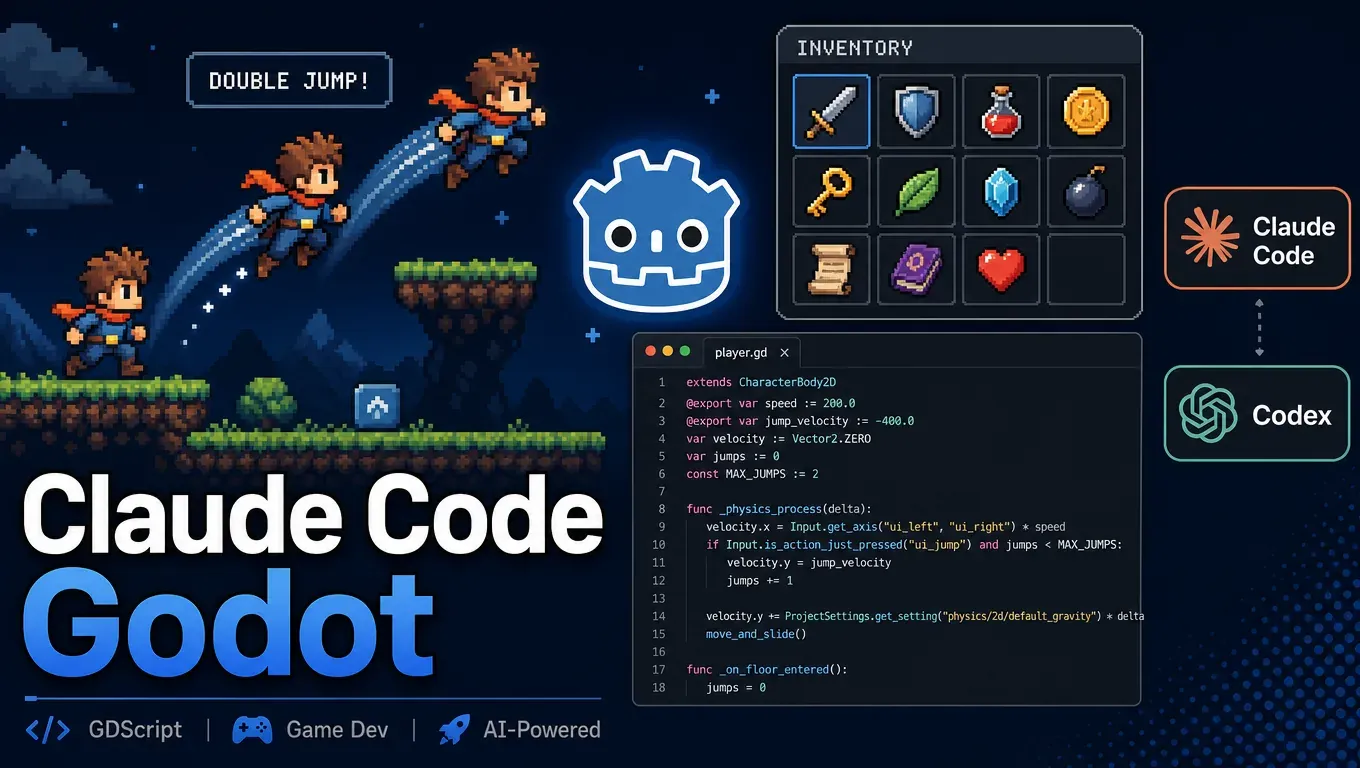
The short version: the game dev skill pack installs into both Claude Code and Codex with a single command, in about 3 seconds. In testing, Codex reads Godot skills on its own based on the task (2 for the double jump, 2 for the inventory), and both steps took 322 seconds. Claude Code doesn't invoke skills unless you name them. When you type /router, it first recognizes the project as Godot 4.5, then loads the godot-2d-movement and platformer skills, and finished the double jump in 82 seconds and ran a headless test itself. All five sets of code ran without errors under Godot 4.5.1 headless, and none used the old Godot 3 syntax.
Create an API Key that works for both Claude Code and Codex →
What the game dev skill pack is
awesome-gamedev-agent-skills is a set of game development skills for AI coding tools, in the SKILL.md format used by Claude Skills. The repo says it has 74 skills plus a routing skill, router, covering Godot, Unity, Unreal, Phaser, PixiJS, three.js, Bevy, pygame, LÖVE, and Roblox.
Reportedly, after the pack was shared on X on October 19, it got 1,850 likes and 3,639 bookmarks (source: project repo).
After installing, we counted 75 skill directories in total, 16 of them related to Godot: godot-2d-movement, godot-gdscript, godot-nodes-scenes, godot-physics, godot-resources, godot-ui-control, godot-tilemap, godot-signals-groups, godot-gdscript-headless-testing, and more. There are also skills organized by game genre, such as platformer (platformer), rpg, roguelike, and the like.
router works like this: it looks at the project files to determine which engine is in use, then picks the fewest skills needed for the task for the AI to read. It doesn't teach specific APIs itself; it only dispatches.Who it's for
- People who want to use AI to write Godot code, or build indie games and Game Jam prototypes.
- People already using Claude Code or Codex who want the GDScript it writes to follow Godot 4 conventions more closely.
- Readers who saw our Claude Code Blender 3D game models post can take those models into Godot and build gameplay with them.
Step 1: Connect Claude Code and Codex to this site
For Claude Code setup, see Claude Code relay setup. The global config goes in ~/.claude/settings.json, with an address that doesn't include /v1:
{
  "env": {
    "ANTHROPIC_BASE_URL": "https://api.aicodewith.ai",
    "ANTHROPIC_AUTH_TOKEN": "sk-你的Key"
  }
}
For Codex setup, see Codex relay setup. The global config goes in ~/.codex/config.toml:
model_provider = "aicodewith"
model = "gpt-5.6-sol"

[model_providers.aicodewith]
name = "aicodewith"
base_url = "https://api.aicodewith.ai/chatgpt/v1"
wire_api = "responses"
experimental_bearer_token = "sk-你的Key"
Both use the same Key. In testing, Claude Code ran claude-opus-5-5 and Codex ran gpt-5.6-sol.
Step 2: Install the skill pack with one command
Install Node.js first. This command installs the pack globally for both Claude Code and Codex:
npx skills add gamedev-skills/awesome-gamedev-agent-skills -g -a claude-code -a codex
It finished in about 3 seconds. The skills actually live under ~/.agents/skills/, which Codex reads directly and Claude Code reads through symlinks. After install, you'll see names like router, godot-2d-movement and others in Claude Code's skill list at startup.
For the skill directory and basic Skill usage, see How to use Claude Code Skills. The installer also reminds you at the end: skills run with the AI's full permissions, so look over the contents before installing.
Step 3: Install Godot 4 on Linux
We used the official Godot 4.5.1 Linux build, which unpacks to a single executable:
curl -LO https://github.com/godotengine/godot/releases/download/4.5.1-stable/Godot_v4.5.1-stable_linux.x86_64.zip
unzip Godot_v4.5.1-stable_linux.x86_64.zip
sudo mv Godot_v4.5.1-stable_linux.x86_64 /usr/local/bin/godot
godot --version
Put it in /usr/local/bin or a similar system path. This matters, for reasons covered in the common errors below. On a server without a GUI, run the project headless:
godot --headless --path . --quit-after 120
--quit-after 120 means exit automatically after 120 frames, which is useful for checking scripts and scenes for runtime errors.
Step 4: Prepare a small 2D platformer project
The project has just three files: project.godot, the main scene main.tscn (a CharacterBody2D character plus a floor), and the character script player.gd. The character script is Godot 4's default movement template, which only walks left and right and does a single jump:
extends CharacterBody2D

const SPEED = 200.0
const JUMP_VELOCITY = -400.0

func _physics_process(delta: float) -> void:
	if not is_on_floor():
		velocity += get_gravity() * delta
	if Input.is_action_just_pressed("ui_accept") and is_on_floor():
		velocity.y = JUMP_VELOCITY
	var direction := Input.get_axis("ui_left", "ui_right")
	velocity.x = direction * SPEED if direction else move_toward(velocity.x, 0, SPEED)
	move_and_slide()
Then launch Claude Code and Codex in the project directory and give each two prompts in order: "add a double jump to the character" and "add an inventory."
Results: Codex
After "add a double jump to the character," Codex said right in its reply, "This is a Godot 2D character movement change, and I'll follow the Godot movement and GDScript conventions that apply to this project," then read the godot-2d-movement and godot-gdscript skills. It didn't go through router first; it picked based on the skill descriptions.
- Double jump: 173 seconds. It added a
@export var max_air_jumpsadjustable in the Inspector, and the count resets on landing. - Inventory: 149 seconds, reading
godot-resourcesandgodot-ui-control. It built a 20-slot inventory that stacks identical items up to 99, aadd_item()interface and ainventory_changedsignal, toggled with the I key, and put a few sample items in at startup.
The core double jump logic Codex wrote:
@export var max_air_jumps: int = 1
var air_jumps_remaining: int = 0

# _physics_process 里:
if is_on_floor():
	air_jumps_remaining = max_air_jumps
...
elif air_jumps_remaining > 0:
	velocity.y = JUMP_VELOCITY
	air_jumps_remaining -= 1
When Codex tried to run Godot to check its work, it hit godot: command not found, so it delivered right after writing. Afterward we ran its project in Godot 4.5.1 headless and got no errors.Results: Claude Code
When told plainly "add a double jump to the character" and "add an inventory," Claude Code invoked no skills either time. It took 20 and 65 seconds, wrote everything from its own knowledge, and proactively checked the scripts with godot --headless. The inventory was thorough: a Item resource class, two sample items (.tres), a pickup pickup.gd the player can collect, a 20-slot inventory, and a UI toggled with the I key.
To make it use the skill pack, put /router before the prompt:
/router 给角色加二段跳
This time Claude Code read the project files first and replied, "I found Godot 4.5 (project.godot), so I'm loading godot-2d-movement and platformer", then invoked those two skills. The whole run took 82 seconds, and at the end it wrote a temporary headless test: after the character landed, press jump three times; the first two trigger, the third is blocked. It deleted the test file when done.
const AIR_JUMPS = 1  # 1 = 二段跳;改成 2 就是三段跳
var air_jumps_left := AIR_JUMPS

func _physics_process(delta: float) -> void:
	if is_on_floor():
		air_jumps_left = AIR_JUMPS
	else:
		velocity += get_gravity() * delta
	if Input.is_action_just_pressed("ui_accept"):
		if is_on_floor():
			velocity.y = JUMP_VELOCITY
		elif air_jumps_left > 0:
			velocity.y = JUMP_VELOCITY
			air_jumps_left -= 1
It also asked on its own whether walking off a platform edge should count as using the first jump, and whether to add coyote time (a short window to jump after leaving a platform). That's exactly the kind of game feel detail covered in the platformer skill.
What difference the skill pack makes
We set up two more environments without the skill pack and gave them the same two prompts for comparison:
| Environment | Double jump time | Inventory time | Skills read | Headless run |
|---|---|---|---|---|
| Codex + skill pack | 173 seconds | 149 seconds | godot-2d-movement、godot-gdscript、godot-resources、godot-ui-control | No errors |
| Codex without skills | 22 seconds | 83 seconds | None | No errors |
| Claude Code + skill pack (not named) | 20 seconds | 65 seconds | None | No errors |
| Claude Code + skill pack (/router) | 82 seconds | — | router picked godot-2d-movement, platformer | No errors |
| Claude Code without skills | 53 seconds | 72 seconds | None | No errors |
A few takeaways:
- Old Godot 3 syntax: none of the five code samples contain
KinematicBody2D,move_and_slide(velocity), lacking@inexport/onready,yieldor similar Godot 3 patterns. Every one usesCharacterBody2D,get_gravity(),@export,signal.emit(), or a similar Godot 4 API. On these two simple tasks, installing the skill pack made no difference in API version. - Codex shows the biggest difference: without the skill pack, the inventory was just a UI with 8 empty slots, toggled with B, with item logic left for later. With the pack, it produced stacking, an interface, signals, and sample items. The cost is speed, since it has to read the skill docs first.
- Claude Code needs you to name the skill: the skills are installed, but for simple tasks it won't invoke them on its own. To use them, add
/router, or just write the skill name, for example "use the godot-2d-movement skill to add a double jump."
For more complex tasks (multiplayer, shaders, export and packaging), the pack has matching skills, and the difference may be bigger. If you want to see the engine-direct approach, check out Controlling Unreal Engine with Claude Code.
Common errors
Codex says godot: command not found
Original output from the test:
/bin/bash: line 1: godot: command not found
Codex runs commands through bash -lc (a login shell), which reloads PATH. If Godot lives only on a path added temporarily in the current terminal, Codex can't find it. Put Godot in /usr/local/bin/godot, or add its directory to ~/.profile, then restart Codex.
Claude Code installed the skills but didn't use them
This isn't an error, but it's easy to mistake for a failed install. First confirm the skills are there:
ls ~/.agents/skills | grep godot
If it lists godot-2d-movement and other directories, the install worked. Then add /router before your prompt, or name the skill directly.
FAQ
Which tools does the game dev skill pack support?
The repo description lists Claude Code, Cursor, Kiro, Codex, Copilot, Gemini CLI, and more. We tested Claude Code and Codex, using -a claude-code -a codex to install for both at once.
Do I have to use Godot 4?
We tested Godot 4.5.1. The Godot skills in the pack are written for Godot 4, for example godot-gdscript covers GDScript for Godot 4.
Can I test Godot on a Linux server with no display?
Yes. Run the project with godot --headless --path . --quit-after 120. Script errors are printed directly. Claude Code also writes its own headless test scripts to simulate key presses.
Does installing the skill pack slow the AI down?
For Codex, yes, because it reads the relevant skills first every time. Here the double jump went from 22 seconds to 173, and the inventory from 83 seconds to 149, but the inventory was clearly more complete. Claude Code doesn't read the skills unless you name them, so its timing is about the same as without the pack.
How do I make a 3D model and bring it into Godot?
Start with Claude Code Blender hands-on test. The exported .glb files can be dragged straight into Godot 4.
Related reading
- Claude Code Blender hands-on test: installing the Blender skill to make 3D game models
- How to use Claude Code Skills? Agent Skills install directories and triggering
- How does Claude Code control Unreal Engine? The official Epic plugin
- Claude Code relay setup
- Codex relay setup
Create an API Key and let Claude Code and Codex help you write Godot games →