

Nano Banana
Light banana
Light image gen. Up to 3 reference images. Good for testing composition.
Try one first. Up to 3 reference images.
NanoPer image3 refs
Second generation. Up to 14 reference images. For jobs that need more visual lock.
Second generation. Up to 14 reference images. For jobs that need more visual lock.
Just launched
Nano Banana, Seedream, Grok, Qwen, and GPT Image are all here. Open a card for that model's page.
Light image gen. Up to 3 reference images. Good for testing composition.
Try one first. Up to 3 reference images.

Second banana line. Up to 14 reference images. 1K/2K/4K.
Need more reference images? Switch to 2.

A cleaner 2. Same 14 reference images, cleaner light.
Need cleaner studio light? Switch to 2.1.

A lighter 2. Up to 14 reference images. Resolution stays at 1K.
Need 2's references without 4K? Use Lite.

The professional banana line. Up to 14 reference images. For delivery.
Need the full banana line? Use Pro.

Scene-first. Up to 10 reference images. 1K/2K. Grows a full frame from one point.
Need a scene that grows? Switch to Seedream.
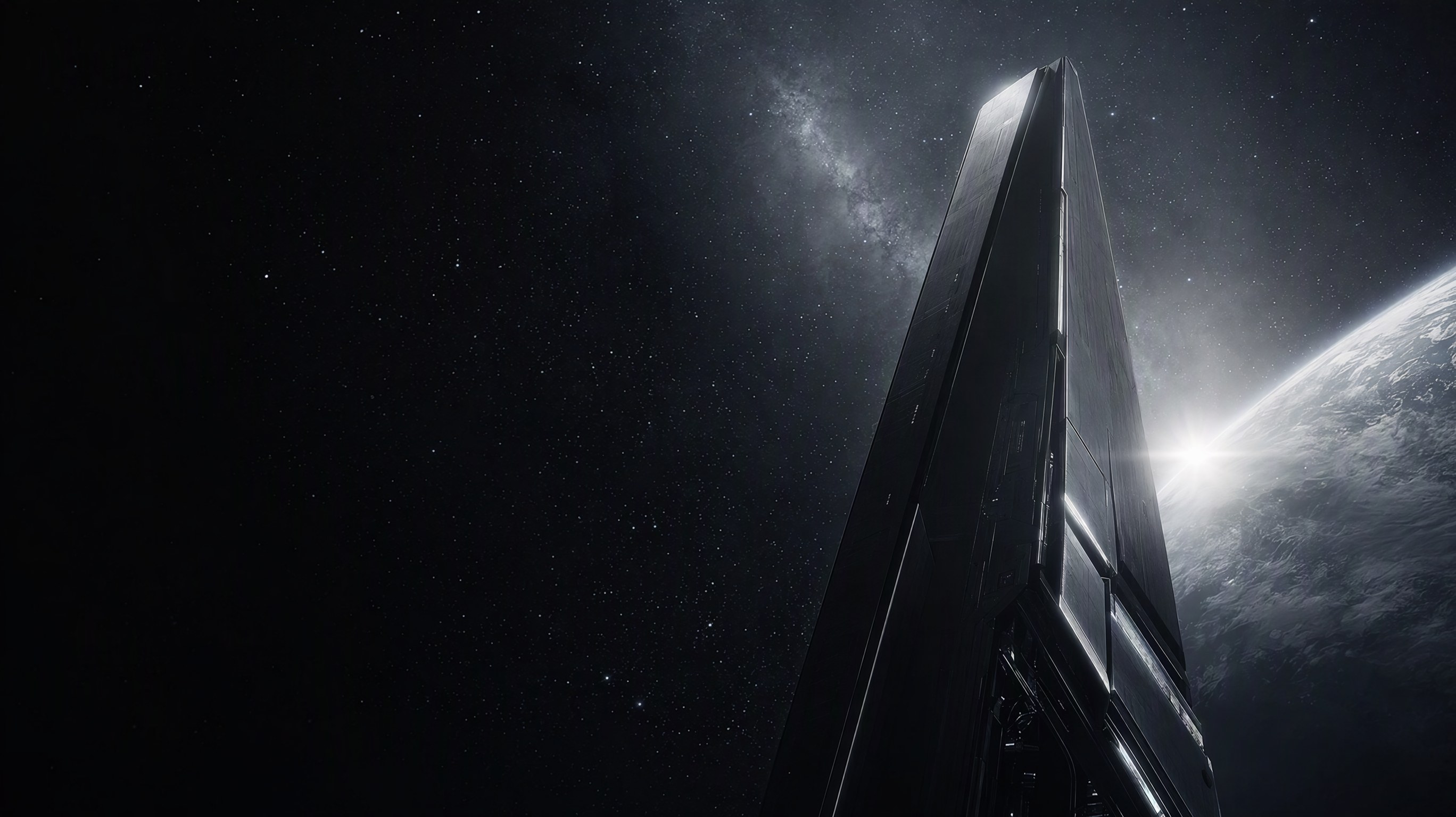
xAI image gen. Up to 5 reference images. Harder contrast and colder light.
Need hard contrast and deep space? Switch to Grok.
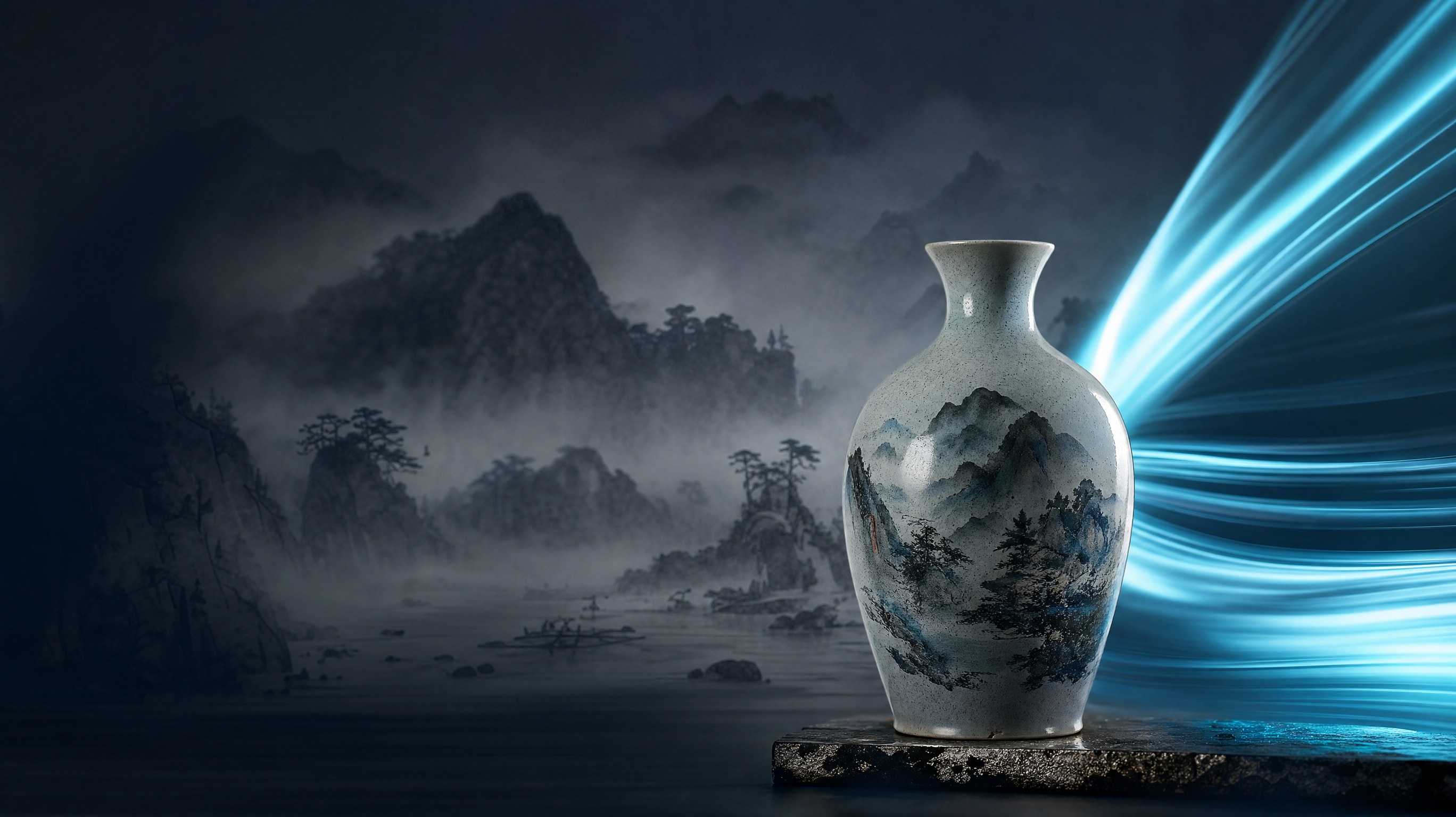
Qwen image gen. Up to 10 reference images. Ink-wash, Chinese style, and modern light.
Need ink-wash plus modern light? Switch to Qwen.
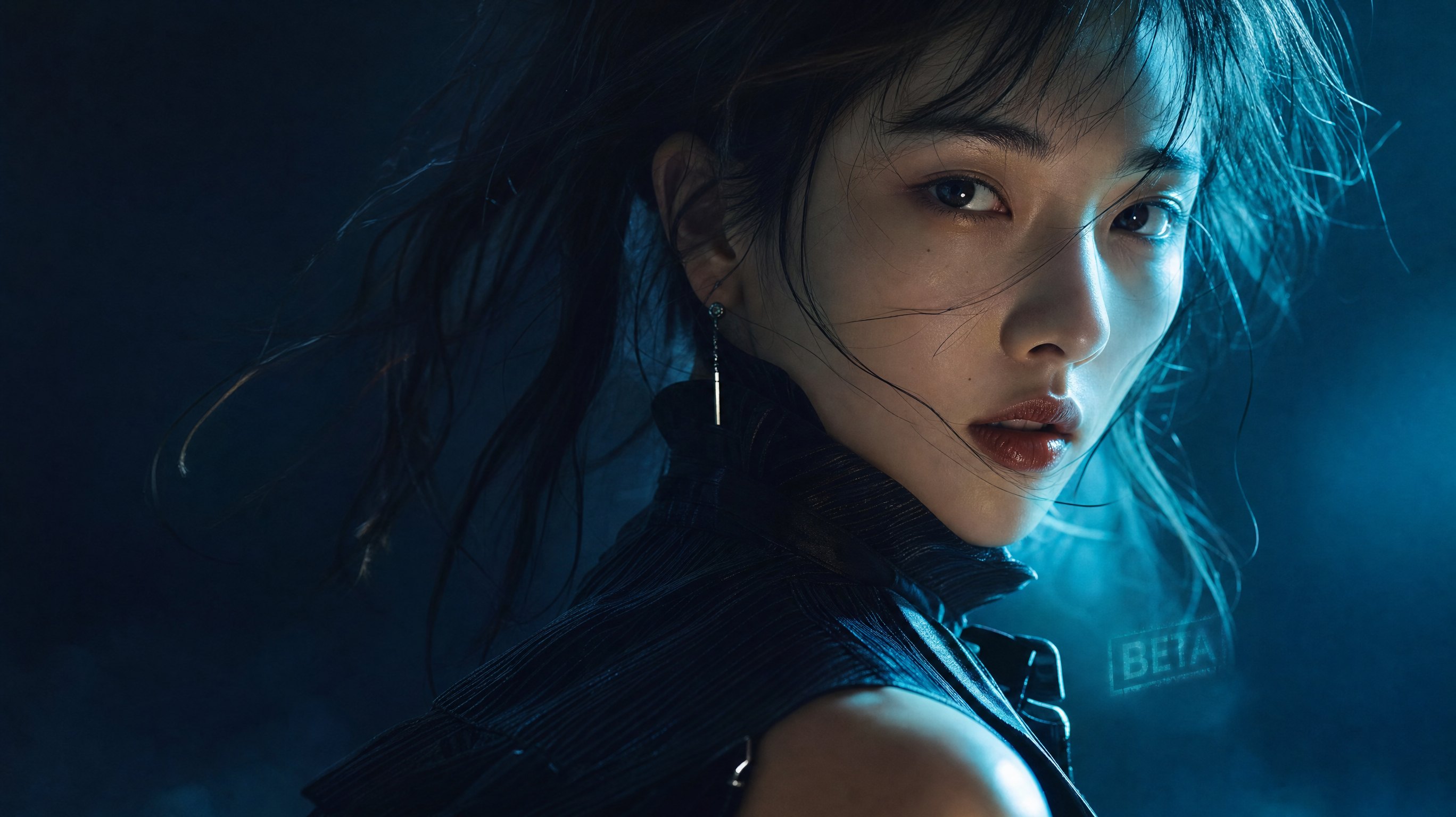
Low-cost start. Fixed settings, one image per request. Good for testing style and composition.
Try the look first. Lower price.
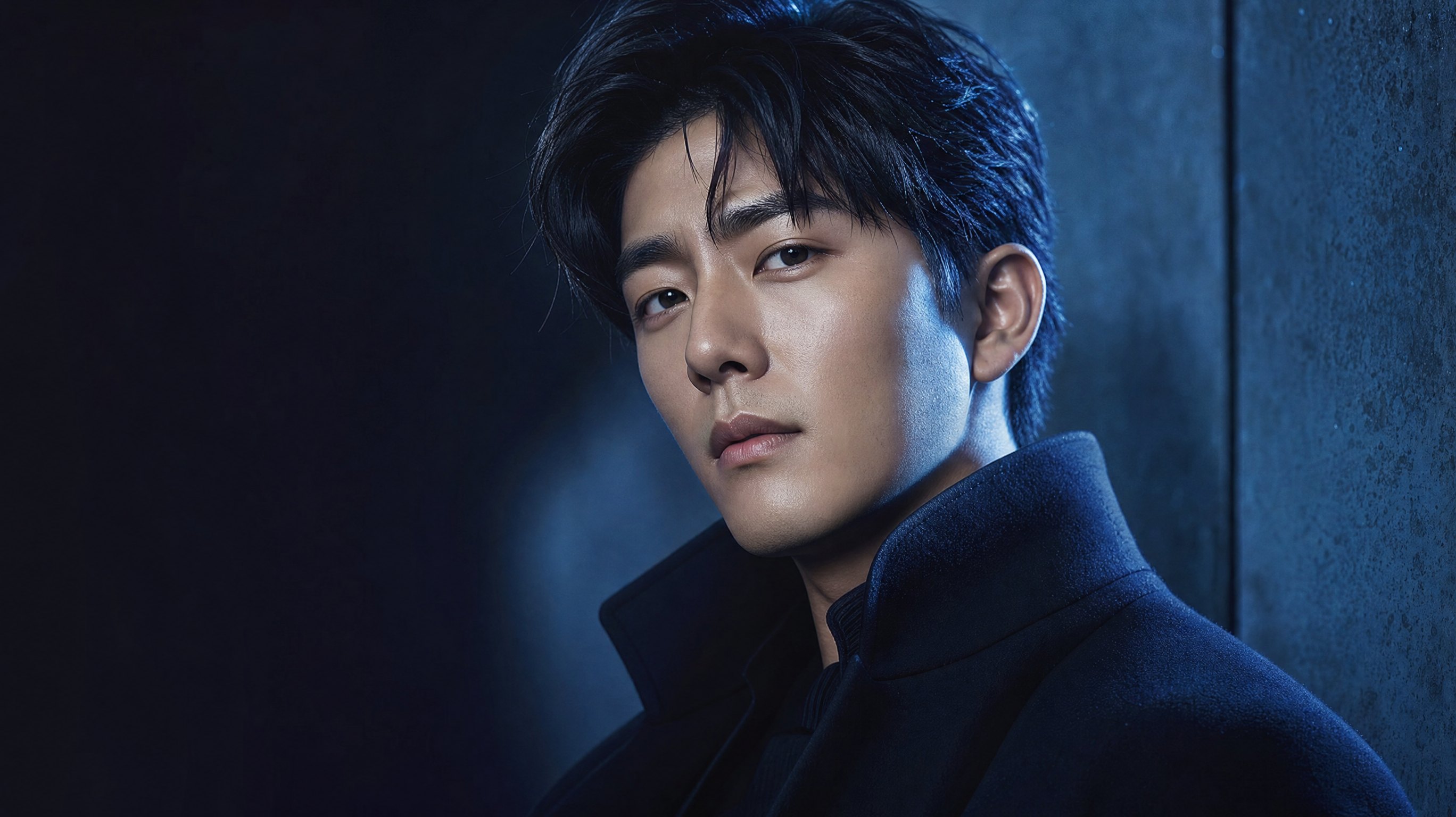
Official API. Quality, size and count are all adjustable. For production images.
Need control and stability? This one.
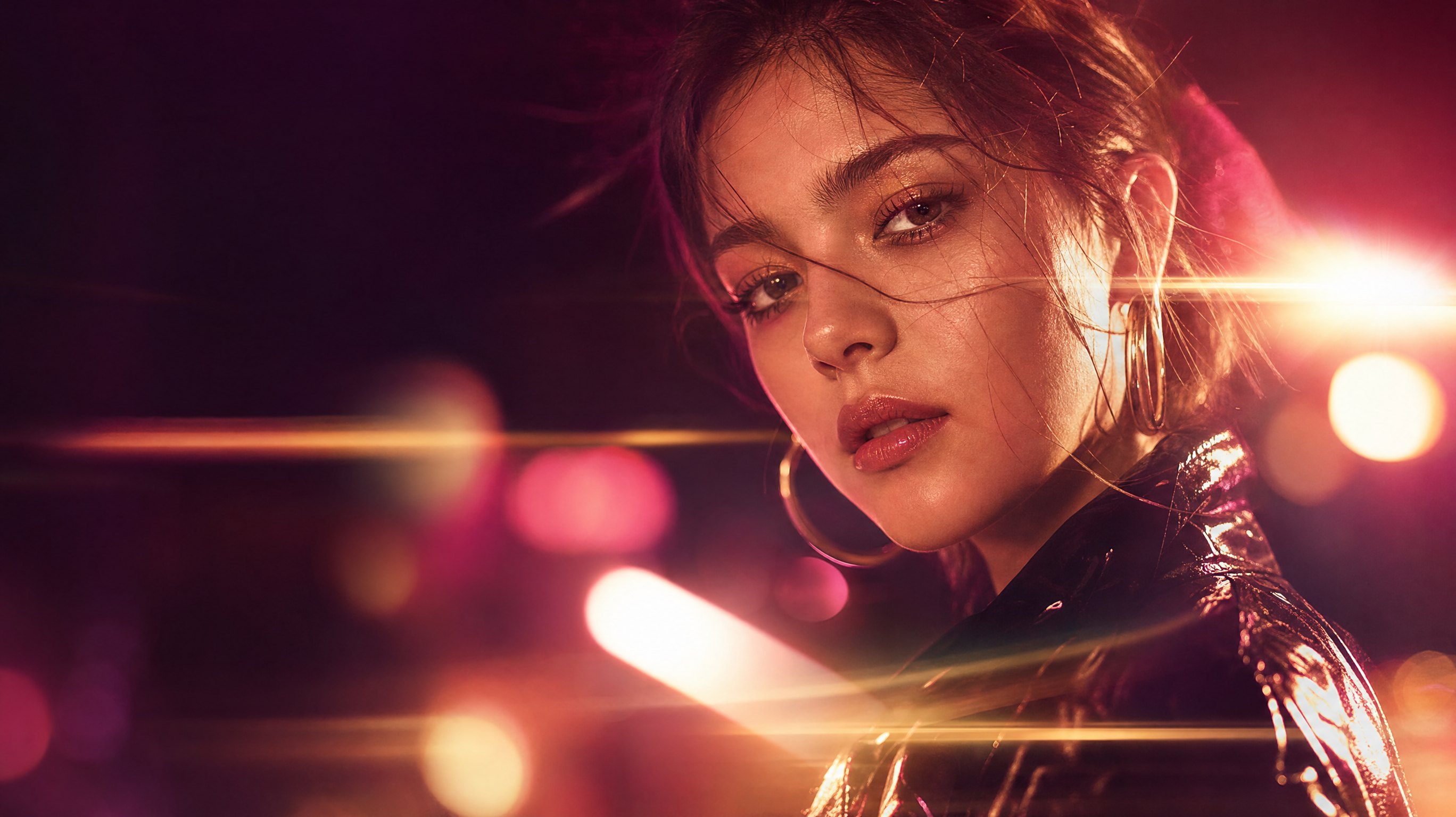
2.5 model. Sharper flare and harder edges. For night, metal and neon.
Need hard light and contrast? Switch to Flare.

2.5 model. Stronger sunburst and volume light. For sunrise and backlit portraits.
Need sun and backlight? Switch to Sunburst.
Specs
One image per request. Reference cap is 14. Resolution is adjustable.
From 3 to 14. Better for character and product lock.
Drafts on 1K, delivery on 2K/4K.
Cleaner light on 2.1, delivery on Pro, cheaper on Lite.
Into your workflow
Generate in the dashboard, or take the same Model ID into the API.
Pick this model in the dashboard, write a prompt, and generate.
OpenAI-compatible API. Paste the exact Model ID.
Model ID: nano-banana-2