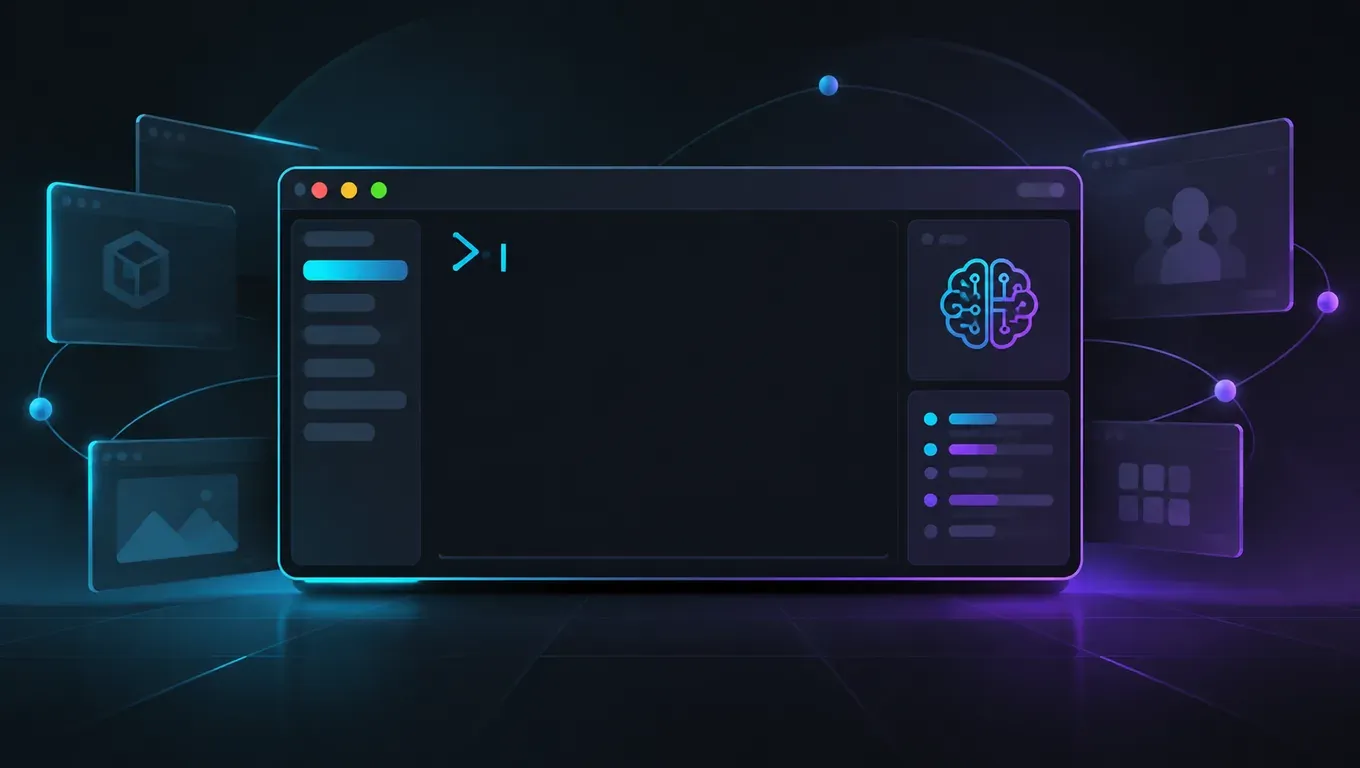
OpenAI는 2026-11-06에 Codex CLI 0.167.0을 출시했습니다(tag rust-v0.167.0, npm @openai/codex@0.167.0). 공식 release notes에 따르면 다중 세션 관리가 Agent Command Center로 모이고, 백엔드 전환 시 초안 유지, 로컬 이미지 미리보기, 대체 로그인 입구 정리가 포함됩니다.
핵심:
codex agents --no-daemon으로 Agent Command Center 열기. 읽지 않은 결과는 센터와 세션 피커에 표시(공식 release notes).- 터미널 세션 피커에서 연결된 백엔드를 바꿔도 초안이 유지됩니다(공식 release notes).
- 지원 터미널에서는 작성 중 로컬 이미지를 미리보고, 본 경로를 트랜스크립트에서 열 수 있습니다(공식 release notes).
- API Key와 클라우드 옵션은 「Sign in another way」 아래.
gcp_setup_wizard로 Google Cloud Vertex AI 설정(공식 release notes). - 본 사이트 API Key + 커스텀 provider 실측:
codex-cli 0.167.0업그레이드 후 짧은 파일 수정 약 22초, 한 줄 질문 약 3초.
0.167.0 한눈에
| 변경 | release notes 요지 | 대상 |
|---|---|---|
| Agent Command Center | codex agents --no-daemon; 미읽음 표시 | 여러 Codex 세션 |
| 다중 백엔드 전환 | 초안 유지하며 전환 | 다중 backend / provider |
| 로컬 이미지 미리보기 | 작성 중 미리보기; 클릭 가능 경로 | 스크린샷 첨부 |
| Sign in another way / Vertex | Key·클라우드 모음; gcp_setup_wizard | Key / GCP 로그인 |
| 시스템 프록시(experimental) | /experimental에서 macOS / Windows | OS 프록시 필수 환경 |
| 승인 중 패치 펼치기 | 승인 프롬프트 중 상세 펼치기 | diff 확인 후 승인 |
| provider 변경 후 기록 | 저장된 채팅 유지; resume 실패 시 전사 읽고 편집 가능 프롬프트 준비 | provider를 자주 바꾸는 경우 |
기타 수정(공식 release notes): Ctrl+L 화면 지우기, Ctrl+T로 이전 메시지; 네트워크 승인은 요청 종료 시 닫힘; 동일 엔드포인트 동시 승인 직렬화; 실패 응답의 유지 출력도 압축 추정에 반영.
버전과 전제
codex --version
# 기대: codex-cli 0.167.0
npm i -g @openai/codex@0.167.0
실측 출력:
codex-cli 0.167.0
미설치: Codex 설치. 전반 사용법: Codex 사용법.
~/.codex/config.toml 커스텀 provider는 Codex config.toml과 동일(base_url에 /chatgpt/v1, Key는 experimental_bearer_token):
model = "gpt-6.1-sol"
model_reasoning_effort = "medium"
model_provider = "aicodewith"

[model_providers.aicodewith]
name = "aicodewith"
base_url = "https://api.aicodewith.ai/chatgpt/v1"
wire_api = "responses"
experimental_bearer_token = "당신의 API Key"
401이면 Codex 401 Unauthorized, Codex API Key 설정.
Agent Command Center 열기
공식 release notes:
codex agents --no-daemon
--no-daemon은 내장 app server로 개요를 실행합니다. codex agents --help도 같은 설명입니다. 미읽음 표시는 #58263, #58264. 0.167.0에 서브커맨드가 포함된 것을 확인했습니다. 전체 TUI는 실제 TTY에서 여세요.
다중 백엔드·이미지·대체 로그인(공식)
- 초안 유지 백엔드 전환(#58280, #58457).
- 로컬 이미지 미리보기(#58261, #58446).
- Sign in another way +
gcp_setup_wizard(#57857, #58427). - 시스템 프록시(
/experimental, #58157). - 승인 중 패치 펼치기(#58281).
- provider 변경 후 기록(#58202).
실측: 업그레이드 + 짧은 코딩
환경: Linux, @openai/codex@0.167.0, provider aicodewith, 모델 gpt-6.1-sol, approval_policy=never, sandbox_mode=workspace-write.
- 업그레이드 →
codex-cli 0.167.0. - 위처럼
config.toml작성. hello.py에mul추가: 약 22초.python3 hello.py결과5,12.- 「78만 답해」: 약 3초*,
56.
codex exec --skip-git-repo-check \
  -c 'approval_policy="never"' \
  -c 'sandbox_mode="workspace-write"' \
  "In hello.py, add mul(a,b); print mul(3,4) in __main__."
테스트 후 config.toml에서 Key를 지우세요.
FAQ
0.167을 위해 반드시 재설치?
0.167.0 미만이면 npm i -g @openai/codex@0.167.0 또는 codex update.
Agent Command Center와 codex resume 차이는?
resume은 한 세션 이어가기, agents는 개요/전환(--no-daemon 가능).
커스텀 provider는?
가능합니다. experimental_bearer_token, name = "aicodewith", base_url = "https://api.aicodewith.ai/chatgpt/v1". 401은 여기.
Windows / macOS 시스템 프록시는?
공식 release notes 기준 /experimental. 이번 실측은 Linux라 해당 스위치는 조작하지 않았습니다.
정리
Codex 0.167.0은 Agent Command Center를 중심으로 초안 유지 다중 백엔드 전환, 로컬 이미지 미리보기, 대체 로그인(Vertex 포함)을 더했습니다. 0.167.0으로 올리고 config.toml을 쓴 뒤 codex agents --no-daemon으로 개요를 열고 작업을 돌리면 됩니다. 짧은 편집 ~22초, 짧은 질문 ~3초였습니다.
관련: Codex 사용법 · 설치 · config.toml · 401 · API Key