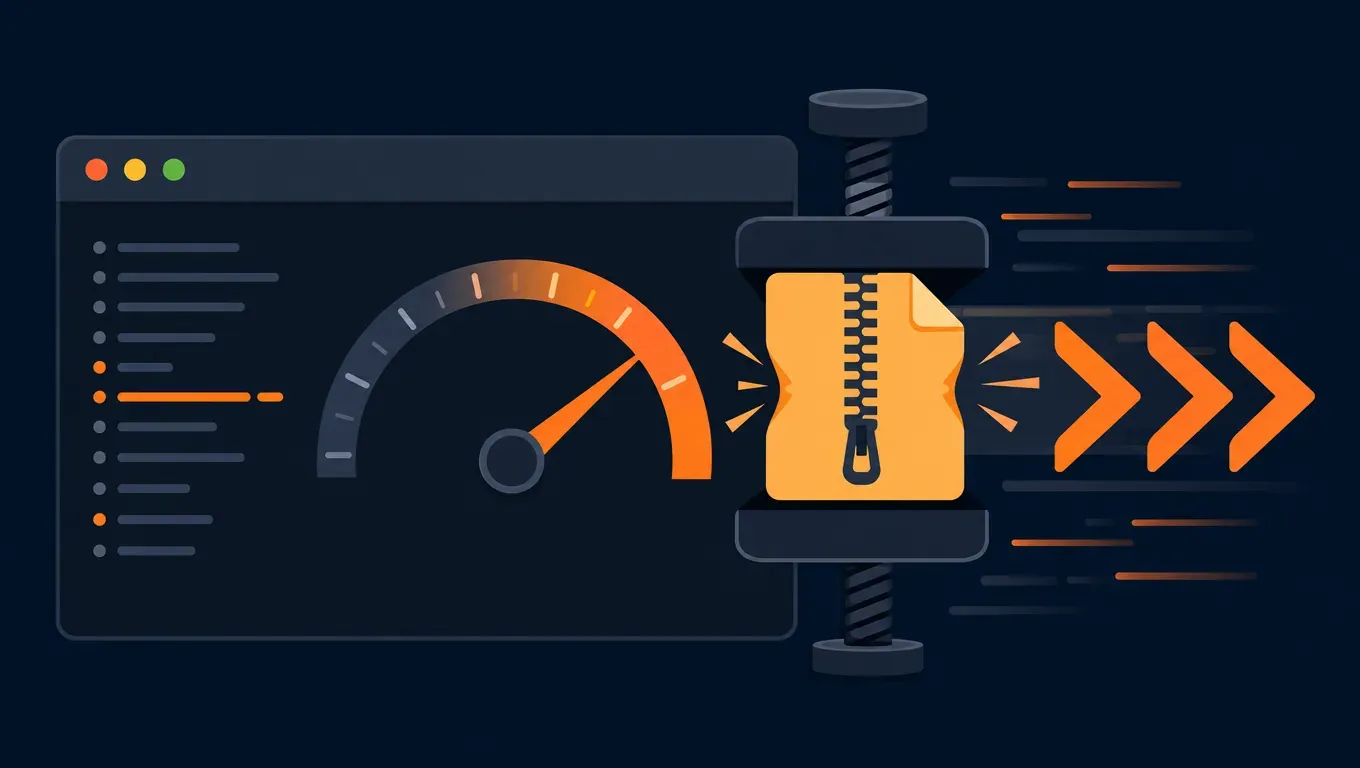
The short answer: gzip compression only applies to requests sent directly to api.anthropic.com. With a third-party API like AICodeWith, Claude Code doesn't compress requests to begin with, so time to first token is the same whether or not you flip this toggle. If responses are slow, the cause is somewhere else.
We ran 10 tests: with the default settings and with compression turned off, time to first token was around 2 seconds both ways, with no visible difference.
What changed in 2.1.300
The official Claude Code changelog has this entry under 2.1.300: large requests sent to api.anthropic.com now use gzip compression, even when telemetry is turned off. Set CLAUDE_CODE_GZIP_REQUEST_BODIES=0 to turn it off.
In a long session, every request carries the earlier conversation and file contents, so the request body can reach several hundred KB. Compression means less data to upload, which can save a little time on a slow network.
Check your version, then upgrade
claude --version
Anything below 2.1.300 doesn't have this change. To upgrade, run:
claude update
We tested on 2.1.300 first, then upgraded to 2.1.302, the latest at the time, and re-ran the tests. The results were the same.
When to turn compression off
If you connect directly to the official API and your traffic passes through a corporate proxy or a self-hosted gateway that doesn't accept gzip-compressed request bodies, you may see request errors. In that case, turn compression off.
Put it in the ~/.claude/settings.json section of env, so you don't have to set an environment variable in the terminal:
{
  "env": {
    "CLAUDE_CODE_GZIP_REQUEST_BODIES": "0"
  }
}
If your settings.json already has anenvblock, just add this line to it. Don't write a secondenv.
Testing with an AICodeWith Key
Test environment: Claude Code 2.1.300 and 2.1.302, with ANTHROPIC_BASE_URL pointing to https://api.aicodewith.ai and the default model, claude-opus-5-5. Each run sent a long block of text of about 145 KB (to simulate a long session), which made the actual request body about 222 KB.
Requests aren't compressed with a third-party API
We ran a request-logging proxy on the local machine and looked at the headers of the requests Claude Code actually sent:
| Setting | Content-Encoding | Request body size |
|---|---|---|
| Default | None (uncompressed) | 223,222 bytes |
| CLAUDE_CODE_GZIP_REQUEST_BODIES=0 | None (uncompressed) | 223,222 bytes |
Both settings sent identical requests, and so did 2.1.302. This matches the changelog: compression only applies to api.anthropic.com.
Time to first token comparison
We alternated default and compression-off runs, 5 each, and recorded the time from issuing the command to the first character appearing:
| Run | Default | Compression off |
|---|---|---|
| 1 | 3.29 s | 2.01 s |
| 2 | 2.06 s | 2.02 s |
| 3 | 2.03 s | 2.05 s |
| 4 | 2.09 s | 2.24 s |
| 5 | 2.05 s | 4.33 s |
| Median | 2.06 s | 2.05 s |
The medians are nearly identical. The occasional 3 to 4 second result is network jitter, and it showed up on both sides.
The gateway doesn't accept compressed request bodies
We also sent a gzip-compressed request directly to the AICodeWith gateway. It returned a 400 and didn't process the request. The same content, uncompressed, returned a 200.
This doesn't affect normal use, since Claude Code doesn't compress requests when connected to a third-party API. It only matters if you write your own program that calls the API: don't gzip the request body.
Still slow? Look here
- Session too long: the longer the context, the larger each request and the slower the first token. For compressing context after idle time, see "Claude Code Idle Compaction".
- Model too heavy: hand simple tasks to a subagent running a lightweight model. See "Configuring Claude Code Subagents with Haiku".
- Want faster output: try Fast Mode. See "Claude Opus 5.5 Fast Mode".
Create a Key and configure the endpoint
First, create a Key at AICodeWith:
Then write it into ~/.claude/settings.json:
{
  "env": {
    "ANTHROPIC_BASE_URL": "https://api.aicodewith.ai",
    "ANTHROPIC_AUTH_TOKEN": "sk-你的Key"
  }
}
For more ways to configure this, see "How to Connect Claude Code to a Third-Party API".
FAQ
Do I need to set CLAUDE_CODE_GZIP_REQUEST_BODIES=0 when using a third-party API?
No. In our tests, Claude Code doesn't compress requests when connected to a third-party API, so the results are the same whether or not you set it.
Did things get slower after upgrading to 2.1.300? Is gzip the cause?
Not if you're using a third-party API. Requests aren't compressed, so look at session length, the model, and the network.
I'm getting errors when connecting directly to the official API. How do I tell if compression is the problem?
In the env section of settings.json, add "CLAUDE_CODE_GZIP_REQUEST_BODIES": "0", then restart Claude Code and try again. If it works after that, a proxy or gateway in between doesn't accept compressed requests.
What counts as a normal time to first token?
In our tests with a request of about 222 KB, the median time to first token was about 2 seconds. If yours is much slower than that, try starting a new session first to see whether the context is too long.