You can give Codex tasks in Chinese without installing a localization pack. If you want it to keep explaining things in Chinese, state the language in the task or put it in AGENTS.md. The language of menus and buttons is an interface setting, and project instructions can't translate it. This article covers each of these three needs separately. The sources were checked on October 12, 2026.
If you only want to ask in Chinese: just state the task clearly
Describe the goal, the project scope, and the expected output clearly, and keep technical identifiers in their original form. Here is a read-only task that works well for a first check:
请只读取 README.md 和 package.json,使用简体中文说明项目启动方法与测试命令。不要修改文件,不执行安装。命令、文件路径、配置键和报错原文保持不变;缺少资料时说明哪里无法确认。
Check whether the answer matches the real files, not just whether it is in Chinese. If it translates npm run dev or a file name, add a requirement to keep technical identifiers in their original form. This has nothing to do with the model endpoint.
Get Chinese replies for the current task
At the end of the task, write "解释和总结使用简体中文;代码、命令、路径、API 名称与报错保持原文" (use Simplified Chinese for explanations and summaries; keep code, commands, paths, API names, and error messages in their original form). This only constrains the current task. It suits temporary use or multilingual teams, and requires no config changes.
English logs and dependency docs can influence the language of the answer, so in a long task you can still restate the language in later requests. If the output mixes languages, check the current prompt and the project instructions first. You don't need to switch models or log in again.
Make Chinese the project default: write it into AGENTS.md
Append the following Markdown snippet to the existing AGENTS.md in the project root. It is instruction file content, not a terminal command. Keep your team's existing rules and don't overwrite the whole file.
## 回复语言
- 默认使用简体中文解释任务、进度和最终结果。
- 代码、命令、文件路径、配置键、API 名称和错误文本保留原文。
- 引用英文资料时用中文概述;准确命令和错误文本同时保留原文。
If you want the rule to apply across projects, put the same kind of rule in the AGENTS.md in the Codex home, which defaults to ~/.codex/AGENTS.md. If you've customized CODEX_HOME, use the matching directory. Project rules in a closer directory may override global requirements.
How the rules are loaded
According to the official docs, Codex builds an instruction chain at the start of a run. It reads the global guidance first, then walks from the project root down to the current working directory. At each level it checks AGENTS.override.md first, then AGENTS.md, and uses only one file per level. After merging, rules closer to the current directory take higher priority.
If you only put a file in a deep subdirectory but launch from the project root, don't expect it to be read as instructions for the current directory. Conversely, when you run from a subdirectory, check whether the parent directories and the current level contain rules that specify a different language.
The combined size of global and project rules is also capped by project_doc_max_bytes, which defaults to 32 KiB in the official docs. Keep your Chinese preference short, and don't stuff in a whole tutorial that eats up the instruction budget.
How to verify a change, and what to check when it doesn't work
Start a new session in the target project directory and ask: "列出当前加载的项目指令来源,并用中文概述 README,不修改文件。" (List the project instruction sources currently loaded, and summarize the README in Chinese without modifying any files.) Check whether it reads the correct AGENTS.md and whether technical identifiers stay as they are. Don't assume a running session automatically rereads rules you just edited.
If replies are still in English, check in this order: whether the current prompt asks for English; whether the working directory is correct; whether the file is non-empty and named correctly; whether an AGENTS.override.md exists in the same directory or a closer one; whether CODEX_HOME points to a different directory; and whether the rules were truncated by the size limit.
Don't upload your full auth.json, API keys, or any config containing credentials just to troubleshoot a language issue. Those files have no direct bearing on the reply language.
Handle the interface language separately from the Codex CLI
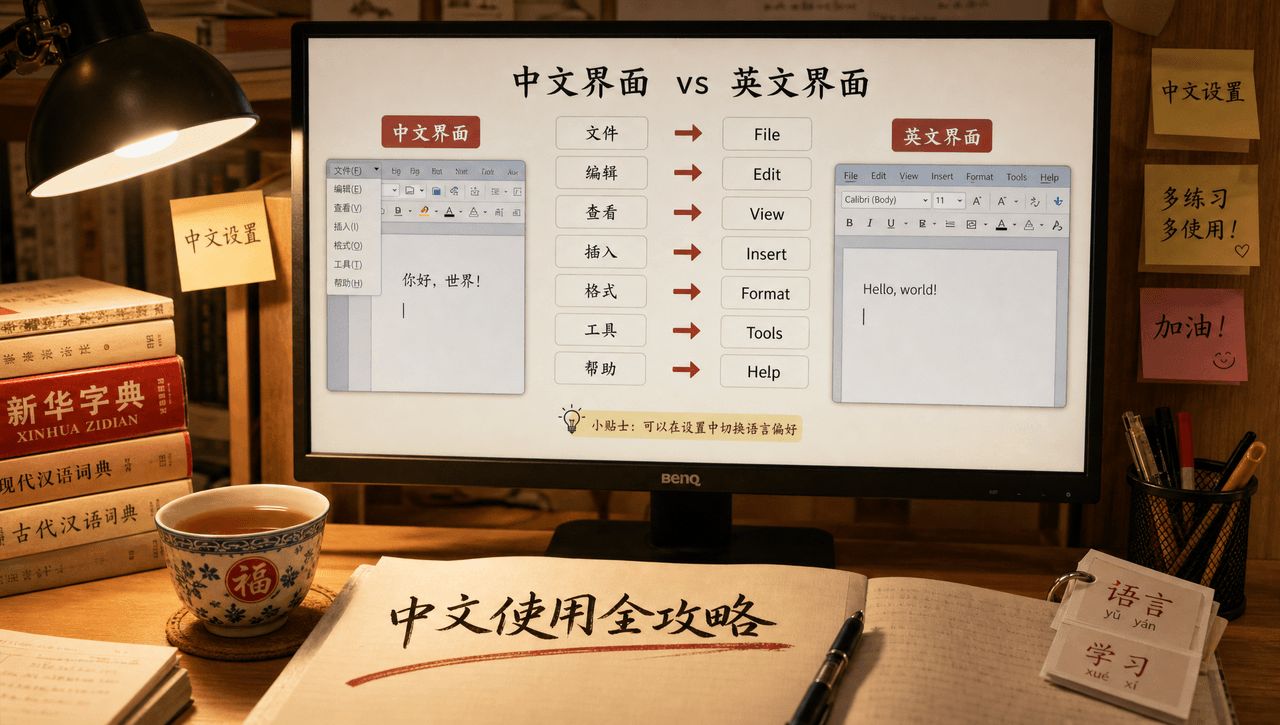
The official path for language settings in the ChatGPT web app is profile → Settings → General → Language. On mobile, go to App → Language under the profile in the sidebar. The official help page lists Chinese; the exact label depends on your current interface.
These paths apply to the product interface covered by the help page, so don't apply them as-is to every desktop client. For the Codex CLI, you can get Chinese explanations through prompts and AGENTS.md. The CLI configuration docs checked for this article don't offer a general language field that guarantees all terminal interaction is translated into Chinese, so there is no so-called one-command localization.
If a third-party localization script modifies your installation directory, first check its source, supported versions, and how to restore the original. It isn't a prerequisite for using Chinese in tasks, and it should never ask for your model credentials.
FAQ
Does Chinese input guarantee Chinese output every time? No. It's best to specify the explanation language separately. Code and quotations can still stay in English.
Does setting Chinese change the model or the cost? The language rule itself doesn't switch the Provider or the billing account. Actual token usage depends on the task and its input and output, so you can't conclude that Chinese is cheaper.
Is a 401 or "model not found" error a sign the Chinese setup failed? No. It isn't caused by the language rule. Troubleshoot authentication, the Provider, and the model ID instead. If you need API access, see the standalone configuration article below.
If Chinese replies already work but requests fail with 401, 404, or model not found, turn to authentication and Provider troubleshooting. If you connect Codex through AICodeWith, see the platform-specific configuration. A language instruction won't fix the Endpoint, and it won't change account permissions.
View the AICodeWith setup for Codex
Conclusion and related resources
Start by finishing one small task in Chinese. If you want a lasting preference, add a short AGENTS.md rule and verify it in a new session. Set the interface language separately, and troubleshoot connection errors separately.
Official AGENTS.md loading docs