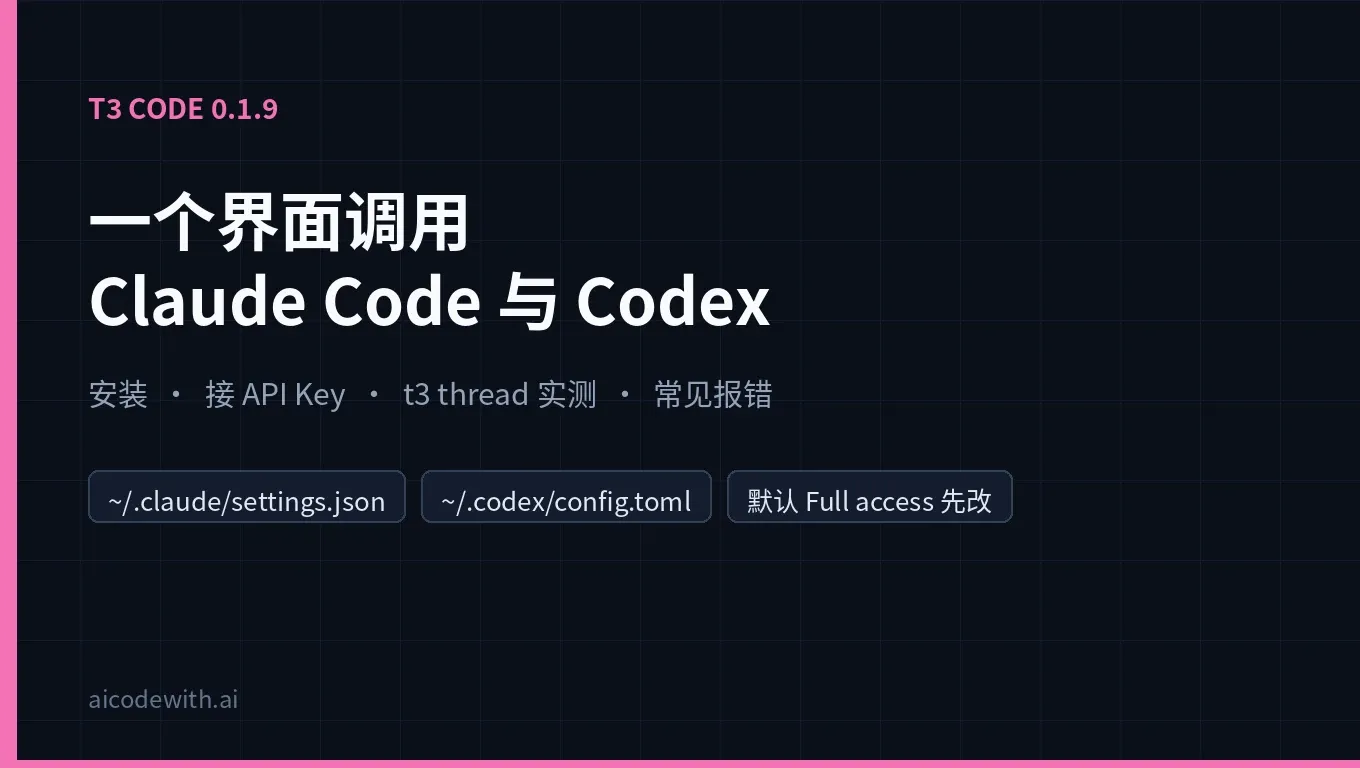
T3 Code is an open-source "control surface for coding agents" from the pingdotgg team (Theo's team). It is not a model and not a harness. It drives the Claude Code, Codex, Cursor CLI, OpenCode and other tools you have already installed and signed in to, and puts desktop, web and mobile interfaces on top of them. The repo is MIT-licensed and had about 57k GitHub stars as of November 12, 2026. By X's search counts, posts mentioning "T3 Code / t3code" ran at roughly 800 to 1,100 a day over the last 7 days.
On November 12, 2026 (Beijing time, UTC+8) we tested T3 Code 0.1.9, the version on npm that day, on a Linux x64 machine. The clients were Claude Code 2.1.319 and Codex CLI 0.167.0, both connected to an AICodeWith API Key. Every step, output and error below is from that run.
Quick answers
| Question | Answer |
|---|---|
| What is T3 Code? | One console for coding agents (desktop app, web and mobile). It drives the Claude Code, Codex and other CLIs you already installed. It ships no model and does not resell tokens. |
| How do I install it? | Use the official install.sh on macOS or Linux and install.ps1 on Windows. To try it once, run npx t3@latest. The commands are in "Install T3 Code" below. |
| Can I use a third-party API Key instead of a subscription? | Yes. T3 Code uses each CLI's own config: Claude Code reads ~/.claude/settings.json and Codex reads ~/.codex/config.toml. If the CLIs work by themselves, T3 Code can drive them. |
| Test result | T3 Code detected Claude as "Custom API endpoint" (authenticated) and Codex as ready. We gave both the same task: fix a bug and add tests. The Claude Code run took about 30.4 s and the Codex run about 32.5 s. All tests passed on both. |
| The one thing to watch | The docs say new threads start in Full access, so commands and file edits run without asking. Before using it on a real repo, change the default to Supervised or Auto. |
What T3 Code is
According to the official T3 Code FAQ, a harness is the layer that turns an LLM into an agent: it gives the model tools, runs them and returns the results. Claude Code and Codex live at that layer. T3 Code does not. It uses those harnesses and cannot work without one. The FAQ's analogy: the LLM is the chef, the harness is the kitchen, and T3 Code is the restaurant that lets you bring your own kitchen.
Main selling points, according to the website and the GitHub README:
- Bring your own sub: sign in with Claude Code, Codex, Cursor, Grok Build, OpenCode, Antigravity and others you already use. T3 Code does not resell tokens.
- Many agents in one place: each thread can use a different provider and model. Threads write to their own branches, and one button commits, pushes and opens a PR.
- Remote and mobile: run
t3 upon any machine, then connect from the mobile app or a browser. - Fully open source: MIT license, so you can fork it, change it and self-host it.
If you already move work between Claude Code and Codex, see How to hand a Claude Code session over to Codex. T3 Code moves that switching into one interface.
Install T3 Code
The official options, from install.md:
# macOS / Linux: installs the t3 command to ~/.local/bin
curl -fsSL https://t3.codes/install.sh | sh

# Try it once without installing (needs Node.js)
npx t3@latest
# Windows PowerShell
irm https://t3.codes/install.ps1 | iex
The desktop app is on GitHub Releases, or install it with a package manager: winget install T3Tools.T3Code on Windows, brew install --cask t3-code on macOS, yay -S t3code-bin on Arch.
Commands you will use most:
| Task | Command |
|---|---|
| Start the server and open the web app | t3 |
| Start the server with no browser (servers, SSH) | t3 serve |
| Connect from your phone or other devices | t3 up |
| Keep it running in the background | t3 service install |
| Update | t3 update |
| Start threads, send messages, read results from the CLI | t3 thread start / send / show |
We started it with npx -y t3@0.1.9 serve --no-browser. About 20 seconds later (including the first npx download) it printed T3 Code server is ready. and Connection string: http://localhost:3773, plus a pairing token and a QR code for the mobile app.
Step 1: make Claude Code and Codex work on their own
The docs state the requirement plainly: install and sign in to at least one provider before starting a thread. With a subscription, run claude auth login and codex login. With a third-party API Key, write each CLI's global config and T3 Code will use it.
Claude Code: global ~/.claude/settings.json (full walkthrough in Claude Code third-party API setup):
{
  "env": {
    "ANTHROPIC_BASE_URL": "https://api.aicodewith.ai",
    "ANTHROPIC_AUTH_TOKEN": "your AICodeWith API Key"
  }
}
Codex: global ~/.codex/config.toml (install steps in Codex install guide, field reference in Codex config.toml guide):
model_provider = "aicodewith"
model = "gpt-6.1-sol"

[model_providers.aicodewith]
name = "aicodewith"
base_url = "https://api.aicodewith.ai/chatgpt/v1"
wire_api = "responses"
experimental_bearer_token = "your AICodeWith API Key"
Check each one in a terminal first. Both should answer:
claude -p "Reply with exactly: pong"
codex exec --skip-git-repo-check "Reply with exactly: pong"
Both returned pong in our run: about 3.0 s for Claude Code and 3.7 s for Codex. If this step fails, T3 Code will fail too, so always start troubleshooting here.
Step 2: check provider status in T3 Code
When you run t3 or t3 serve, T3 Code detects the CLIs on PATH. Settings → Providers in the web app shows each provider's status. Here is what it detected in our run:
| Provider | Version | Status | Auth | Some detected models |
|---|---|---|---|---|
| Claude (instance id claudeAgent) | 2.1.319 | ready | authenticated, type customEndpoint (Custom API endpoint) | claude-opus-5-5, claude-sonnet-5-5, claude-fable-5-2 and more |
| Codex (instance id codex) | 0.167.0 | ready | unknown (expected: an API Key setup does not go through ChatGPT sign-in) | gpt-6.1-sol, gpt-6.1-terra, gpt-6-sol and more |
So T3 Code recognized that Claude Code uses a custom API endpoint, and the model lists came from the service you configured.
Besides the global config, T3 Code supports multiple instances, which helps when one machine uses both a subscription and an API Key:
- Add another provider instance in Settings → Providers. According to the docs, each instance can have its own environment variables, such as API keys or a custom base URL. Mark secrets as sensitive; T3 Code will not show the values again after saving.
- For Claude, each instance can point to its own
CLAUDE_CONFIG_DIR. For example, keep the default directory for your subscription account and create~/.claude_apifor the API Key config. Threads in different config directories stay isolated. - If T3 Code cannot find a CLI (common with nvm or mise), set Binary path in the provider settings.
Step 3: run a real task in a thread
In the web app, click New thread and pick a provider and model. On a server with no browser, use the t3 thread CLI, which is what we did:
cd your-project
t3 project add .
t3 thread start . "calc.py has a bug in add(). Fix it, add test_calc.py using unittest, run the tests and report the result." \
  --provider claudeAgent --model claude-opus-5-5 --wait
--wait waits for the agent to finish, then prints its reply. For Codex, use --provider codex --model gpt-6.1-sol. The test project was one file, with add deliberately written as return a-b.
| Path | Wall clock | Result |
|---|---|---|
| T3 Code → Claude Code (claude-opus-5-5) | about 30.4 s | Changed it to return a+b, added 6 unittest cases, Ran 6 tests ... OK |
| T3 Code → Codex (gpt-6.1-sol) | about 32.5 s | Changed it to a + b, added 5 cases, all 5 passed (OK). We ran python3 -m unittest test_calc again in the same folder afterwards and it was still OK |
Claude Code's reply said its first two attempts at the test file lost indentation and raised IndentationError, and the third attempt, which generated the file with a script, worked. Read the agent's own summary, but trust the tests you rerun yourself.
The default permission is Full access: change it first
This is the most important point from our test. According to the official Permission modes doc, new threads start in Full access, which runs commands and edits without asking. In the process list we saw T3 Code launch Claude Code with --permission-mode=bypassPermissions.
Change the default in Settings → Threads → New threads → Permissions:
| Mode | Behavior |
|---|---|
| Supervised | Asks before commands and file changes |
| Auto-accept edits | Approves file edits automatically; other actions can still ask |
| Auto | Uses the provider's automatic review for routine actions and asks about the rest |
| Full access | Never asks |
On real repos, use Supervised or Auto at least. Teams can cap the available modes on a machine with a managed policy.
Common errors and fixes
| Error / symptom | Cause | Fix |
|---|---|---|
| No T3 Code project matches '.'. Pass a project id or a path inside a project. | The folder is not a T3 Code project yet (we hit this) | Run t3 project add . first, or start the server with --auto-bootstrap-project-from-cwd |
| Provider instance "claude" is disabled for project ... | --provider is not the instance id. We passed claude and got this error; claudeAgent worked | Use the instance id shown in Settings → Providers, and check that the provider is enabled |
| Provider shows as not installed / not found | The CLI is not on the server process's PATH (common with nvm or mise) | Set Binary path in the provider settings, or install the CLI globally |
| 401 / auth failure in a thread | Wrong or expired key, or a config mistake | Run claude -p / codex exec in a terminal first, then check the key, base_url and sign-in step by step with Codex 401 troubleshooting. Go back to T3 Code once the terminal works |
| 429 Too Many Requests | Rate limit or usage window | Wait or lower concurrency as the server response says; see How to fix Codex 429 |
| t3 says a server is already running | One server per data directory | Connect to the running server, or use a different --base-dir for a separate one |
| Phone or outside network cannot connect | Remote link issues (user feedback from @TheElricLi: phone and iPad could not connect away from home) | The docs point to the T3 Connect troubleshooting page, or use Tailscale for your own link |
For full 401 and 429 troubleshooting, see Codex 401 Unauthorized troubleshooting and How to fix Codex 429 Too Many Requests. The remote-connection feedback comes from this post by @TheElricLi.
FAQ
Can T3 Code use my Claude Code subscription?
Yes, according to the official FAQ. It drives the Claude Code you are signed in to, and your subscription works as usual. The FAQ also says T3 Code is within the terms of service of Claude Code, Codex and Google Antigravity. That is T3 Code's own statement.
Do I need to enter a third-party API Key in T3 Code separately?
No. Writing the CLIs' global configs is enough; that is how our test ran. To keep a subscription and an API Key side by side, use provider instances or separate CLAUDE_CONFIG_DIR folders.
How is T3 Code different from the Codex desktop app or Claude Desktop?
Each of those serves one vendor's agent. T3 Code puts several vendors' agents in one interface and adds remote access and a mobile app. The trade-off is one more server process to maintain.
Can I use it on a server with no GUI?
Yes. Start it with t3 serve and use the t3 thread CLI, or connect from another device with t3 up or a pairing link.