Up front:
- AGENTS.md / skills / system notes are suggestions: the model can read them and still forget or bypass them.
- Hooks are harness scripts: they run at fixed lifecycle points (before/after tool calls) whether or not the model “remembers” a rule.
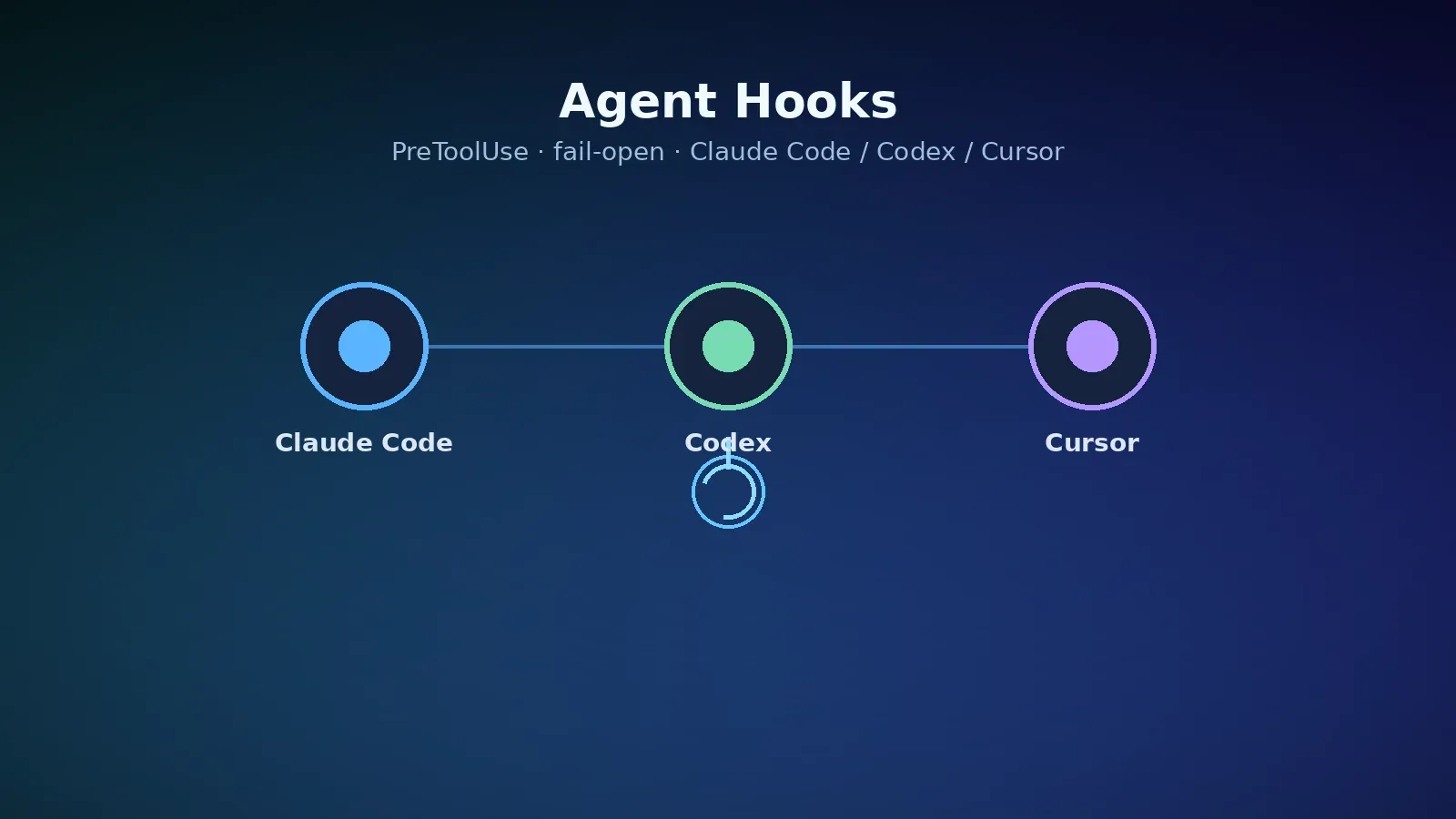
- All three clients can block tool calls: Claude Code and Codex use
PreToolUse; Cursor usespreToolUse(or narrowerbeforeShellExecution). Common block signals are exit code 2 or a JSON deny. - Defaults are mostly fail-open: if the script crashes, times out, or exits with a non-0/2 code, the tool call often still proceeds. Security policies need explicit fail-closed (Claude Code:
onFailure: "block"; Cursor:failClosed: true). Codex reports hook failures and, per official docs, does not treat failure as a hard block by default. - We tested Claude Code: a Bash command matching
rm -rf /tmp/hooks-deny-mewas blocked by PreToolUse (exit 2);echo hooks-allow-okpassed. Cursor cannot be exercised the same way in this headless environment—Cursor rows below follow official docs and are not claimed as a live Cursor run.
Per SwiftLee / Antoine van der Lee (2026-11-02) and the X share by @peterfriese, hooks are far more reliable than rules left only in AGENTS.md. Where a third-party claim disagrees with vendor docs, we follow the docs and tag the article.
Related context: plugins can auto-install SessionStart hooks (see Postman plugin check/remove); AGENTS.md can also be skewed by cwd (see Downloads hijack). Hooks do not replace “don’t start agents in Downloads,” but they enforce rules markdown cannot. For MCP boundaries see Codex Playwright MCP security guide; skills vs hooks: How to use skills in AI agents.
One-minute comparison
| Item | Claude Code | Codex | Cursor |
|---|---|---|---|
| User config | ~/.claude/settings.json | ~/.codex/hooks.json or config.toml | ~/.cursor/hooks.json |
| Project config | .claude/settings.json | .codex/hooks.json or config.toml | .cursor/hooks.json (trusted workspace) |
| Before a tool | PreToolUse | PreToolUse | preToolUse; shell also beforeShellExecution |
| After a tool | PostToolUse | PostToolUse | postToolUse / afterFileEdit etc. |
| Shell matcher name | Bash | Bash | Shell (or command text for beforeShellExecution) |
| Block | exit 2, or JSON permissionDecision: "deny" | exit 2, or JSON permissionDecision: "deny" / legacy decision: "block" | exit 2, or JSON permission: "deny" |
| Hook failure default | continue (fail-open); optional onFailure: "block" | report hook failure; not a hard block by default | fail-open; optional failClosed: true |
| Trust / review | workspace trust affects project hooks | non-managed hooks need /hooks review + trust; optional --dangerously-bypass-hook-trust | project hooks load only in trusted workspaces |
Official docs: Claude Code Hooks · Codex Hooks · Cursor Hooks.
Why AGENTS.md alone is not enough
Per the SwiftLee article: a global instruction to filter xcodebuild output still let raw logs into context. Instructions sit in the prompt; the model chooses. A hook runs outside the model—there is no “skip this hook” veto from the LLM.
Suggested split:
- Intent and preferences → AGENTS.md / skills.
- Rules that must hold every time → hooks (block dangerous commands, rewrite builds, audit, session notes).
- Hooks are not the only guard → some paths skip hooks (Codex docs:
write_stdinpolling a command that already passed PreToolUse does not re-run PreToolUse).
Minimal script: block one dangerous Bash (fail-open)
Works across all three: read JSON from stdin, extract the command; block on match; otherwise allow; on parse errors exit 0 (fail-open). Save as e.g. ~/.agents/hooks/block-rm-demo.sh and chmod +x.
#!/bin/bash
# fail-open: missing jq or bad JSON → exit 0
input=$(cat || true)
command=$(printf '%s' "$input" | jq -r '.tool_input.command // .command // empty' 2>/dev/null || true)

if [[ -z "$command" ]]; then
  exit 0
fi

if [[ "$command" == *"rm -rf /tmp/hooks-deny-me"* ]]; then
  if printf '%s' "$input" | jq -e 'has("cursor_version")' >/dev/null 2>&1; then
    jq -n '{permission:"deny", agent_message:"Blocked by PreToolUse-style hook: refusing rm -rf /tmp/hooks-deny-me"}'
    exit 0
  fi
  echo "Blocked by PreToolUse hook: refusing rm -rf /tmp/hooks-deny-me" >&2
  exit 2
fi

exit 0
Claude Code
In ~/.claude/settings.json or project .claude/settings.json:
{
  "hooks": {
    "PreToolUse": [
      {
        "matcher": "Bash",
        "hooks": [
          {
            "type": "command",
            "command": "${CLAUDE_PROJECT_DIR}/.claude/hooks/block-rm-demo.sh",
            "timeout": 5
          }
        ]
      }
    ]
  }
}
For security hooks, prefer "onFailure": "block" (see current Claude Code Hooks reference) so a bad path does not silently disable the policy.
Codex
Same shape in ~/.codex/hooks.json or project .codex/hooks.json:
{
  "hooks": {
    "PreToolUse": [
      {
        "matcher": "Bash",
        "hooks": [
          {
            "type": "command",
            "command": "/usr/bin/bash /absolute/path/to/block-rm-demo.sh",
            "timeout": 5,
            "statusMessage": "Checking Bash command"
          }
        ]
      }
    ]
  }
}
Codex requires non-managed hooks to be reviewed and trusted via /hooks; project hooks need a trusted project layer. One-off automation can use --dangerously-bypass-hook-trust. Disable with [features] hooks = false.
Cursor
Flatter hooks.json with version:
{
  "version": 1,
  "hooks": {
    "preToolUse": [
      {
        "command": "~/.agents/hooks/block-rm-demo.sh",
        "matcher": "Shell",
        "timeout": 5
      }
    ]
  }
}
Project paths are relative to the repo root (e.g. .cursor/hooks/block-rm-demo.sh). For security, set "failClosed": true. Or use beforeShellExecution with a command-text matcher.
Tested: Claude Code PreToolUse (site key)
Environment: Claude Code CLI 2.1.319, project .claude/settings.json with the fail-open script above, non-interactive -p via aicodewith-compatible API.
- Allow path: ask the model to run
echo hooks-allow-ok→ stdouthooks-allow-ok, about 8 seconds. - Deny path: ask for
rm -rf /tmp/hooks-deny-me→ PreToolUse hook error, command never ran, about 9 seconds:
PreToolUse:Bash hook error: [${CLAUDE_PROJECT_DIR}/.claude/hooks/block-rm.sh]:
Blocked by PreToolUse hook: refusing rm -rf /tmp/hooks-deny-me
- Unit fail-open: invalid JSON on stdin → script exit 0.
Cursor was not run headlessly here; Cursor rows follow Cursor Hooks docs. Codex config was checked against official docs; the live intercept test used Claude Code only.
Fail-open vs fail-closed
| Scenario | Prefer | How |
|---|---|---|
| Convenience (filter build logs, format) | fail-open | defaults; exit 0 on parse errors |
| Security / compliance | fail-closed | Claude Code onFailure: "block"; Cursor failClosed: true; verify by removing the script |
| Codex managed policy | enterprise managed hooks | see Managed hooks in Codex docs |
Per SwiftLee: convenience hooks should fail open; danger guards should fail closed.
Shared pitfalls
- Read before enable — repo/plugin hooks run with your privileges. Postman-style plugins have auto-installed SessionStart hooks.
- Keep timeouts short — the agent waits; ~5s is common for user convenience hooks.
- Limit stop loops — Cursor
stop/subagentStopuseloop_limit(default 5). - Matcher names differ —
Bash(Claude Code / Codex) vsShell(Cursor). - Hooks ≠ skills — skills are invoked by name/description; hooks fire on events without being called.
Optional: aicodewith key for Claude Code / Codex
Hooks themselves are client-local. If you route models through aicodewith:
- Claude Code: set the site-compatible Base URL and key per docs.
- Codex: global
~/.codex/config.tomlwithexperimental_bearer_token,name = "aicodewith",base_url = "https://api.aicodewith.ai/chatgpt/v1"(note/chatgpt/v1, not bare/v1).
FAQ
Hooks vs AGENTS.md?
AGENTS.md is context the model may ignore; hooks are executed by the harness on lifecycle events. Put intent in markdown; put hard constraints in hooks.
Exit code 2 vs JSON deny?
Both can block. stderr + exit 2 is common on Claude Code / Codex; use JSON when you need structured reasons or updatedInput. Cursor permission hooks prefer stdout JSON permission; exit 2 still maps to deny.
Why are my project hooks not running?
Check workspace/project trust; Codex /hooks trust; relative paths (Cursor project hooks are repo-root relative); matcher tool names; Claude Code /hooks menu for sources.
Can hooks replace a security policy?
No. Some paths skip hooks; plugin SessionStart scripts are themselves a risk surface. Combine hooks with permission modes, secret hygiene, and where you start the agent.
Does Cursor ask work on preToolUse?
Per Cursor docs, "ask" on preToolUse is not enforced today—use "deny" or exit 2. beforeShellExecution supports allow / deny / ask.
Wrap-up
Promote “the model should remember” rules into “the harness always runs” hooks. Start with one PreToolUse / preToolUse script: match Bash or Shell, deny with exit 2 / JSON, fail-open by default, fail-closed for security. File paths and event names differ across Claude Code, Codex, and Cursor; the event → matcher → script → decision pattern does not.