Do you often paste the same requirements or the same checklist into an AI?That's when you should write it as a Skill: a folder plus a SKILL.md, so you can reuse it later with a single sentence or a command.
This post builds a Skill from scratch and covers the structure, how to write it, and how to test it. If you haven't used Skills yet, start with “How to Use Claude Code Skills: Agent Skills Install Directories and Triggering”.
Which Work Is Worth Turning into a Skill
If any of the following applies, it's worth capturing:
- You've pasted the same instructions three or more times, such as “write the weekly report in this format”
- A fixed multi-step process, such as before a release: run tests → bump the version → write the changelog
- Team conventions, such as API naming rules or commit message format
- A section of CLAUDE.md keeps growing and has turned into operating steps. The official Claude Code docs also recommend moving this kind of content into a Skill, because a Skill's body loads only when it's needed
Not a good fit for a Skill: one-off tasks, or preferences you can state in a single sentence.
Structure of SKILL.md
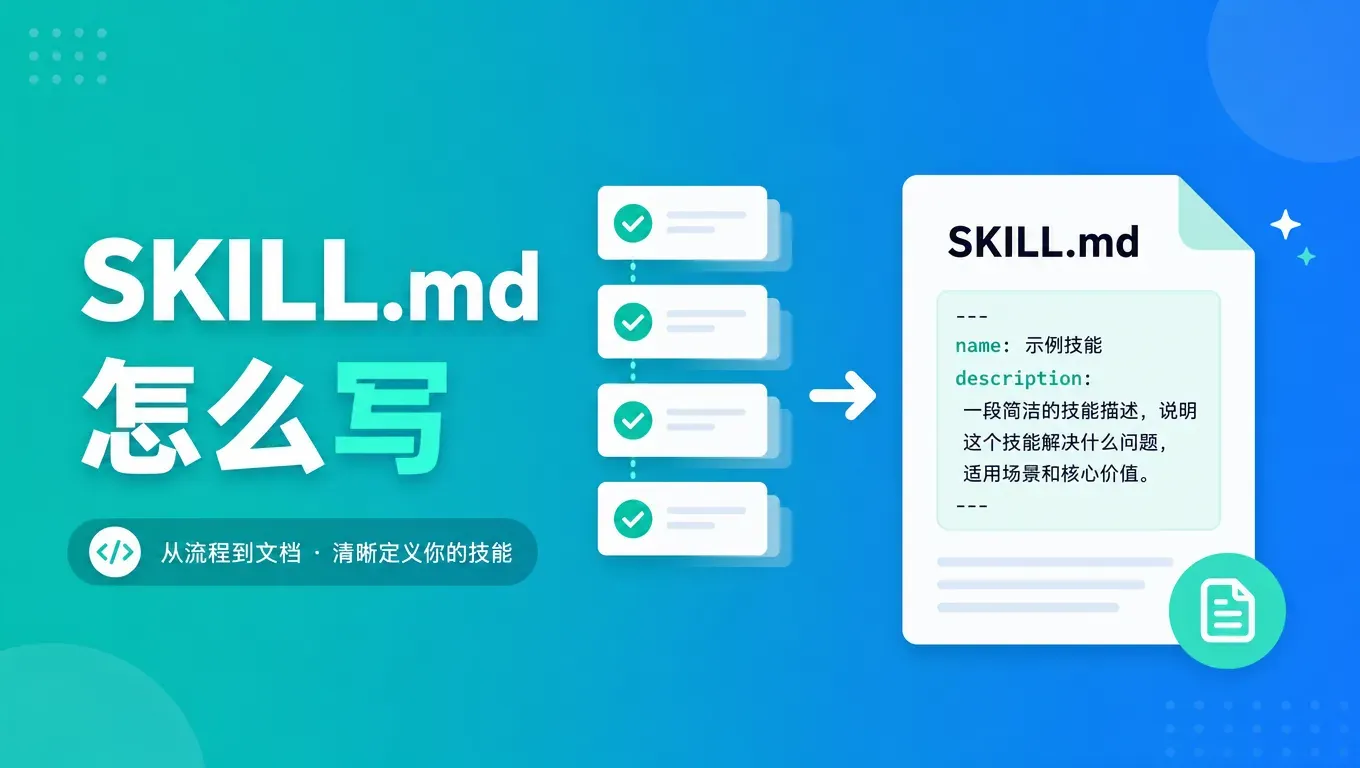
A Skill is a folder, and SKILL.md has two parts:
---
name: weekly-report
description: 做什么,以及什么时候该用
---

这里写给智能体的具体步骤。
name: the Skill's name, using lowercase letters, numbers, and hyphens, matching the folder name. In Claude Code, it's the command you type:/weekly-reportdescription: say what it does and when to use it. The agent uses this line to decide whether to load the Skill automatically, which makes it the most important line in the whole Skill- Body: write the concrete steps. Use imperative sentences and state the inputs and outputs
If you need scripts, templates, or reference material, put them in the same folder:
weekly-report/
├── SKILL.md
├── references/   (参考资料,用到才读)
├── scripts/      (脚本)
└── assets/       (模板等文件)
To make a Skill work in Claude Code, Codex, and Cursor, keep the header to standard fields likename,descriptionand similar. Claude Code also supports extension fields such asdisable-model-invocation,allowed-tools,context: fork, and others, which other tools may not recognize.
Build a Skill from Scratch: Generate a Weekly Report from Git Commits
Say you ask an AI every Friday to write a weekly report from this week's commits in a fixed format. Here's how to turn that into a personal Skill.
Step 1: Set up the client first. The configuration goes in a global file. Taking Claude Code as an example, open ~/.claude/settings.json:
{
  "env": {
    "ANTHROPIC_BASE_URL": "https://api.aicodewith.ai",
    "ANTHROPIC_AUTH_TOKEN": "sk-你的Key",
    "CLAUDE_CODE_SKIP_FAST_MODE_ORG_CHECK": "1"
  }
}
Codex users configure a provider in ~/.codex/config.toml. For the syntax, see “Codex config.toml Configuration Guide”.Step 2: Create the folder. Personal Skills go in your home directory and work in every project:
mkdir -p ~/.claude/skills/weekly-report
For Codex, put it in~/.agents/skills/weekly-report/; to share it with your team, put it in the project's.claude/skills/or.agents/skills/and commit it to the repo.
Step 3: Write ~/.claude/skills/weekly-report/SKILL.md:
---
name: weekly-report
description: 根据本周 git 提交记录生成中文周报。当用户说"写周报""总结本周工作""这周做了什么"时使用。
---

# 生成周报

1. 运行 `git log --since="1 week ago" --pretty=format:"%h %s" --no-merges` 获取本周提交。
2. 按功能把提交分成三类:新功能、问题修复、其他。
3. 按下面的格式输出,每条一句话,不要出现提交哈希:

## 本周完成
- 新功能:……
- 问题修复:……
- 其他:……

## 下周计划
(留空,提醒用户自己补充)

4. 如果本周没有提交,直接告诉用户,不要编造内容。
Step 4: Try it out. In any git project, run claude, then:
- Manual invocation: type
/weekly-report - Automatic trigger: just say “Write this week's report for me”
If both methods produce a report in the right format, the Skill works. Claude Code automatically picks up new or edited Skills, so no restart is needed.
Claude Code also has a special syntax: write a line in the body with `!git log --since="1 week ago" --oneline`. It runs the command first and inlines the output into the Skill content before handing it to the model. This syntax only works in Claude Code.
How to write a description that triggers accurately
The agent normally only sees name and description, so if the description is poorly written, the Skill either never gets used or gets used at the wrong time.
Put the key purpose and trigger words first. Once you have many Skills, descriptions may get truncated, so the first half needs to stand on its own.
Include what users will actually say. Compare the two:
| Style | Problem |
|---|---|
| description: 周报工具 | Too short; the agent can't tell when to use it |
| description: 一个非常强大的、可以帮助你提升效率的智能助手 | All filler words, no trigger words |
| description: 根据本周 git 提交记录生成中文周报。当用户说"写周报""总结本周工作"时使用。 | Has a purpose and trigger words; good |
Define the boundaries. If your Skill is easy to confuse with another one, add a line like "Not for ...", for example "Not for writing monthly reports or project summaries."
Don't auto-trigger anything with side effects. For things like deployments or sending messages, add this in Claude Code and Cursor: disable-model-invocation: true, so the Skill can only be invoked manually.
Test and iterate
- Positive test: Phrase the request three or four different ways and see whether the Skill triggers automatically
- Negative test: Say something unrelated and confirm it doesn't trigger by mistake
- Test in a fresh session: Leftover context from the session where you wrote the Skill can mask gaps in the description, so always try it in a new session
- Compare results with and without the Skill: Run the same request again with the Skill turned off and confirm the Skill actually improves the result
- Fix based on the problem: If it doesn't trigger, change
description; if it triggers but does the wrong thing, fix the steps in the body
The easy way is to let the official Skill generator draft and test it for you:
- Claude Code: install the skill-creator plugin
/plugin install skill-creator@claude-plugins-official, then ask it to evaluate your Skill - Codex: type
$skill-creator - Cursor: type
/create-skill
Keep the body short. Claude Code's official guidance is to keepSKILL.mdunder 500 lines and move detailed reference material intoreferences/, where it's read only when needed.
FAQ
I wrote a Skill, but it doesn't show up in the / menu. Why?
First check whether the filename is SKILL.md and whether it sits at the ~/.claude/skills/<名字>/ level. In Claude Code, the --- header must be the first line of the file, or the header won't take effect. You can run claude plugin validate ~/.claude/skills to check the format.
What happens if the YAML header is wrong?
In Claude Code, you can still invoke the Skill manually with /名字, but description can't read it, so it won't trigger automatically.
Can one Skill do several things?
Not recommended. A Skill that does one thing triggers more accurately and is easier to maintain. If you have multiple jobs, split them into multiple Skills.
How do I share it with teammates?
The simplest way is to put it in the project's .claude/skills/ or .agents/skills/ and commit it to the repo, so teammates get it when they pull. To distribute across projects, package it as a plugin.
What should I watch for when using a Skill someone else wrote?
Before installing, read the SKILL.md and any scripts inside it. In Claude Code, the allowed-tools field lets a Skill run commands without confirmation, so pay special attention to that line in any Skill from an unknown source.