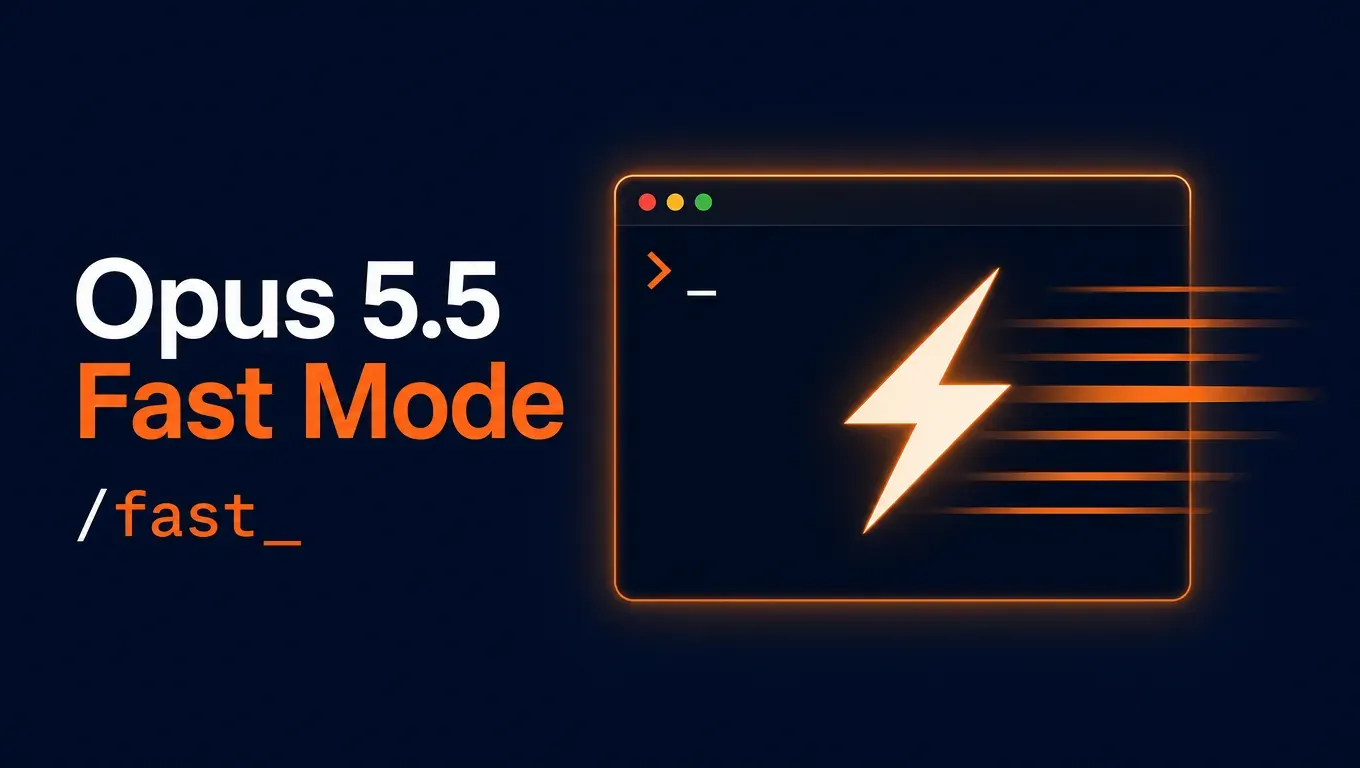
The short version: Opus 5.5 Fast Mode is the same Opus 5.5, just faster at generating tokens. Anthropic says output speed is up to 2.5x faster, at twice the standard price ($8/$40 per million tokens). In Claude Code, type /fast to turn it on.
But if you connect with ANTHROPIC_BASE_URL + ANTHROPIC_AUTH_TOKEN (which is how nearly all third-party APIs work), /fast will immediately show "Fast mode has been disabled by your organization". This isn't a problem with your account. It's Claude Code's own check, and there's an official bypass variable, CLAUDE_CODE_SKIP_FAST_MODE_ORG_CHECK=1.
We tested with this site's key: with the bypass variable set, /fast opens and the ↯ icon appears, but requests still run at standard speed (speed in the response is standard). In other words, this site's keys don't currently support Fast Mode. Seeing the message above is expected, and you can just use standard speed. How to turn it off is covered in the troubleshooting section at the end.What Fast Mode Is
In one sentence: it's not a new model, but the same model on a faster inference configuration.
- Model weights, capabilities, and answer quality are identical. It doesn't get dumber
- What gets faster is the number of output tokens per second, not time to first token, so you'll notice it most with long answers and streaming output
- Supported on Opus 5.5, Opus 5, and Opus 4.8; Sonnet and Haiku aren't supported, and Opus 4.7 no longer is
On October 16, Anthropic's official ClaudeDevs account announced that Opus 5.5 Fast Mode on the Claude platform has ended its research preview and dropped the waitlist, so there's no more queuing to apply. The API docs also state that Opus 5.5 Fast Mode no longer needs a beta header or separate access.
Official Pricing
Here is Anthropic's official API pricing, in USD per million tokens:
| Model | Standard Input | Standard Output | Fast Input | Fast Output |
|---|---|---|---|---|
| Claude Opus 5.5 | $4 | $20 | $8 | $40 |
| Claude Opus 5 | $5 | $25 | $10 | $50 |
| Claude Opus 4.8 | $5 | $25 | $10 | $50 |
A few things to note:
- Fast pricing is the same across the entire context window, with no surcharge beyond 200k input
- Prompt caching discount multipliers stack on top of Fast pricing
- The Batch API doesn't support Fast Mode
To figure out how to choose between Opus 5.5 and Sonnet 5.5 first, see Claude Sonnet 5.5 vs Opus 5.5 Comparison.
When to Use It and When Not To
Good for Fast:
- Quick iteration: change a little, run it, change a little more
- Live debugging when production breaks and you're tuning as you watch
- Time-pressed work
Not good for Fast:
- Long tasks where Claude runs on its own for a while and speed doesn't matter
- Batch processing and CI/CD pipelines
- Cost-sensitive scenarios
Fast Mode is not the same as lowering effort (thinking depth): Fast keeps quality the same and is faster and pricier; lowering effort means less thinking, which is faster but may hurt complex tasks. You can use both together.
How to Enable It in Claude Code
Step 1: Create an API Key
Step 2: Put the endpoint in your global config
Open ~/.claude/settings.json (on Windows, it's C:\Users\你的用户名\.claude\settings.json), or create one if it doesn't exist, and write:
{
  "env": {
    "ANTHROPIC_BASE_URL": "https://api.aicodewith.ai",
    "ANTHROPIC_AUTH_TOKEN": "sk-你的Key"
  }
}
Save it and reopen Claude Code to apply it, with no need to export environment variables each time. For fuller setup instructions, see Claude Code Third-Party API Setup Guide and Claude Code CLI Docs.
Step 3: Switch to Opus 5.5
In Claude Code, type /model and pick Opus 5.5. For how the main model and sub-agents split the work, see Which Model Claude Code Uses.
Step 4: Type /fast
Type /fast, press Space to toggle the switch, then Enter to confirm. You can also set it directly in settings.json by adding the line "fastMode": true.
On success you'll see Fast mode ON, and a small ↯ icon appears next to the input box. Run /fast again to check whether it's on or off.
Step 5: If you get disabled by your organization, add the bypass variable
When connecting with a Base URL + Token, Step 4 will most likely show:
Fast mode unavailable: Fast mode has been disabled by your organization
Put the bypass variable in the same env:
{
  "env": {
    "ANTHROPIC_BASE_URL": "https://api.aicodewith.ai",
    "ANTHROPIC_AUTH_TOKEN": "sk-你的Key",
    "CLAUDE_CODE_SKIP_FAST_MODE_ORG_CHECK": "1"
  }
}
Reopen Claude Code and type /fast again. What we saw in testing:
↯ Fast mode ON · $8/$40 per Mtok
The $8/$40 shown here is Claude Code's built-in official price hint. In our test with this site's key, requests still ran at standard speed, so this step only gets the toggle to turn on. It doesn't mean things are actually faster.
Step 6: Confirm the actual speed
Claude Code showing ON doesn't mean it's really running Fast. Go by the usage.speed in the response:fast means Fast mode, standard means standard speed. The API section below shows how to check with curl.
Step 7: If you want it, turn it on at the start of the session
The official docs are clear: the first time you turn on Fast in a conversation, the entire context is recomputed at Fast's uncached input price. The longer the conversation, the pricier that hit. So if you're going to use it, turn it on at the start of a session, not halfway through.
API Calls: Add a speed Parameter
API usage is simple: add "speed": "fast" to the request body and set the model to claude-opus-5-5:
curl https://api.aicodewith.ai/v1/messages \
  -H "x-api-key: sk-你的Key" \
  -H "anthropic-version: 2023-06-01" \
  -H "content-type: application/json" \
  -d '{
    "model": "claude-opus-5-5",
    "max_tokens": 1024,
    "speed": "fast",
    "messages": [{"role": "user", "content": "Hello"}]
  }'
When the official API runs Fast successfully, the returned usage contains:
"usage": {
  "input_tokens": 8,
  "output_tokens": 12,
  "speed": "fast"
}
In our test, the request above returned 200, butusagehas nospeedfield, and latency was about the same as a control request withoutspeed. Combined with the standard we saw in Claude Code, this site's key is currently running at standard speed, and addingspeedwon't cause an error either.
Troubleshooting
Fast mode has been disabled by your organization
This is the most common one. There are a few causes:
- Using only
ANTHROPIC_AUTH_TOKENto log in: if you have no claude.ai login and no official Anthropic API key, Claude Code skips the check entirely and treats Fast as "disabled by your organization." This is the usual situation with third-party access. SetCLAUDE_CODE_SKIP_FAST_MODE_ORG_CHECK=1to flip the switch on - A corporate proxy intercepted the check request and returned its own page. The same variable above applies here too
- Your Team / Enterprise organization has no Owner who has enabled Fast Mode, or the config pushed by your admin includes
fastMode: false. In this case you'll need to talk to your admin
Note: the skip variable only affects Claude Code's local check. If the server itself doesn't support or allow Fast, requests still run at standard speed.
Fast mode unavailable due to network connectivity issues
Before enabling Fast, Claude Code makes a direct request to api.anthropic.com to check permissions. This check does not go through ANTHROPIC_BASE_URL. So if the network can't reach api.anthropic.com, or if the check is rejected because you're using a key issued by a gateway, you'll see this error.
- Connection refused or key rejected: set
CLAUDE_CODE_SKIP_FAST_MODE_NETWORK_ERRORS=1 - Network intercepting the request: set
CLAUDE_CODE_SKIP_FAST_MODE_ORG_CHECK=1
429 Too Many Requests
Fast has its own rate limit, separate from the quota for standard Opus. When you exceed it, you get a 429 along with a retry-after header telling you how long to wait before retrying.
When Claude Code hits a Fast rate limit, it automatically falls back to standard speed and keeps working. The ↯ icon turns gray and recovers on its own once the cooldown ends. If you don't want to wait, enter /fast again to turn it off.
The cache seems to be invalidated after I turned on Fast
That's expected. The official docs state: switching between Fast and standard speed invalidates the prompt cache, and the two speeds don't share a cache. The more you toggle back and forth, the fewer cache hits you get, which is why we recommend deciding at the start of a session whether to use Fast.
How to turn Fast off
Our keys can't run Fast right now, so we recommend turning it off. Pick any one of these:
- In Claude Code, enter
/fastagain and look forFast mode OFF - Remove
settings.jsonfrom"fastMode": true, and remove the skip variableCLAUDE_CODE_SKIP_FAST_MODE_ORG_CHECKas well - To disable it completely, add
envto"CLAUDE_CODE_DISABLE_FAST_MODE": "1"
{
  "env": {
    "ANTHROPIC_BASE_URL": "https://api.aicodewith.ai",
    "ANTHROPIC_AUTH_TOKEN": "sk-你的Key",
    "CLAUDE_CODE_DISABLE_FAST_MODE": "1"
  }
}
FAQ
Does Fast Mode make Opus 5.5 dumber?
No. According to the official docs, it's the same model with the same weights. Only the inference configuration differs, so quality and capability stay the same.
How much faster is Fast Mode, really?
The official claim is up to 2.5x faster output. The speedup is mainly in output tokens per second. Time to first token isn't necessarily faster.
Do I still need to apply for access or add a beta header to use Fast with Opus 5.5?
No. The waitlist for Opus 5.5 Fast has been removed, and you don't need to add the fast-mode-2026-02-01 beta header. It works even if you do. Fast for Opus 5 and Opus 4.8 is still in research preview and requires an application and the beta header.
Why does my third-party API keep showing disabled by your organization?
When you log in with only ANTHROPIC_AUTH_TOKEN, Claude Code treats Fast as disabled by your organization outright. Adding CLAUDE_CODE_SKIP_FAST_MODE_ORG_CHECK=1 flips the switch on, but whether it's actually faster depends on whether the server supports it.
Can I use Fast Mode with this site's key?
Not at the moment. In our testing the switch turns on, but requests actually run at standard speed. Seeing disabled by your organization is normal and doesn't affect regular use of Opus 5.5.
Why does turning on Fast mid-session cost more?
The first time you turn on Fast in a conversation, the entire context is billed again at Fast's uncached input price, and switching speeds invalidates the cache. So if you want Fast, turn it on at the start of the session.
To compare Opus 5.5 and GPT-6.1 Sol and decide which to use, read GPT-6.1 Sol vs Claude Opus 5.5.