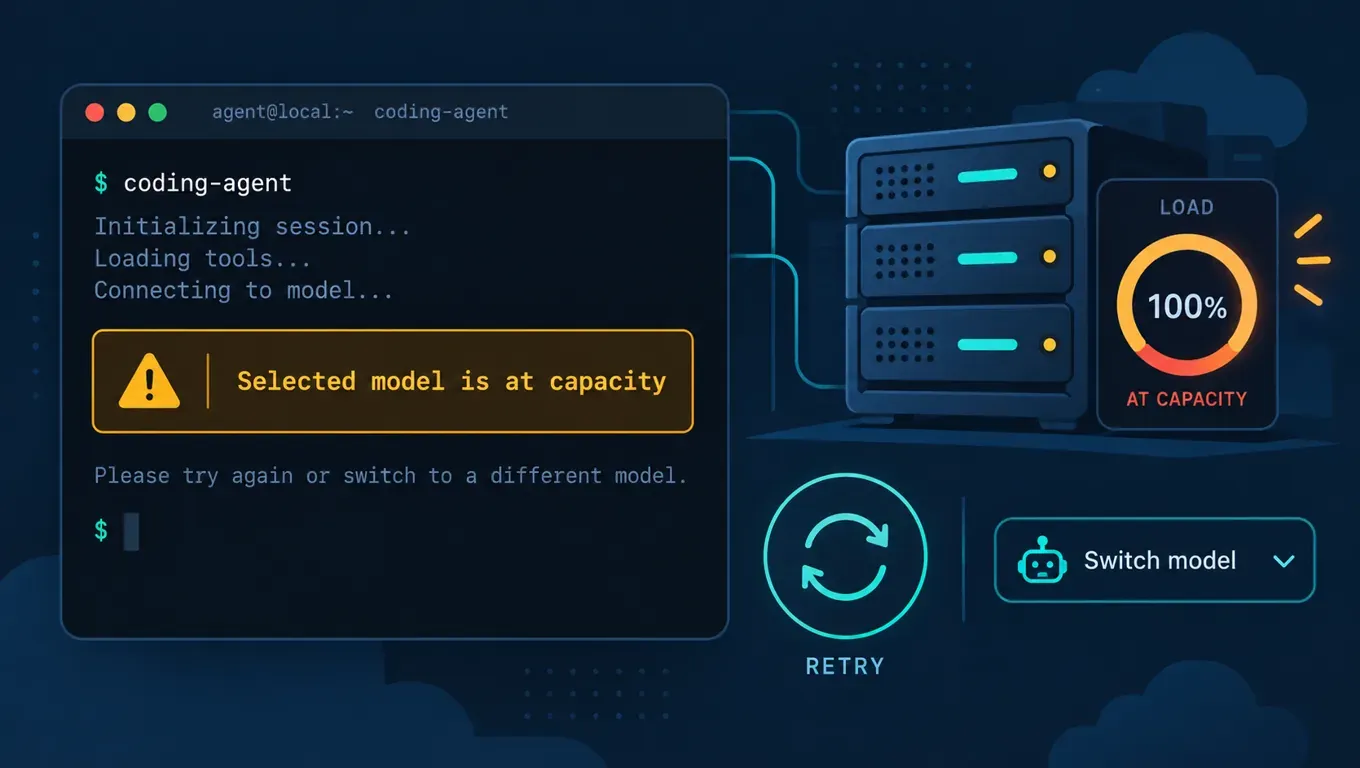
The short answer first: when Codex pops up "Selected model is at capacity. Please try a different model.", it means the servers for the model you picked are overloaded, not that you've used up your quota or that something is wrong with your account. In the Codex source code, this maps to an HTTP 503 returned by the server, with the error code server_is_overloaded.
So the fix is simple: first confirm you still have quota, then either wait for it to resume automatically or switch to another model. For long-running tasks, you can raise the retry count or use an API Key through a Provider. Here's how, step by step.
What This Error Actually Means
Codex has three errors that often get mixed up, and each needs a completely different fix:
| Error type | What you see | Cause | What to do |
|---|---|---|---|
| Model overloaded (ServerOverloaded) | Selected model is at capacity / 503 | The server doesn't have enough compute. Not your fault | Wait, switch models, raise retries |
| Requests too fast (RateLimitExceeded) | 429 Too Many Requests | Too many requests in a short time triggered rate limiting | Slow down and wait per Retry-After |
| Quota exhausted (UsageLimitReached) | A message like You've hit your usage limit | Your plan's usage window or quota is used up | Wait for the quota to reset or upgrade your plan |
One more thing many people don't know: by the time you see this error, Codex has actually already retried several times for you. It honors the Retry-After wait time returned by the server, and only shows this message after it runs out of retries and still fails. So don't mash Enter. That only makes things worse.
There's a reason this error has been so common lately. In mid-October, a batch of similar reports showed up on GitHub (such as #53589, #53256, #53843, and #54283). On October 15, Tibo, who leads Codex, said on X that the team has shipped a series of changes and added compute, so this error should become much less frequent. Even when it does appear, Codex will keep going on its own instead of getting stuck.
Step 1: Confirm You Haven't Run Out of Quota
In a Codex session, enter:
/status
If you use the Codex App, go to Settings → Usage to check your usage. As long as you have quota left and haven't hit the usage window cap, you can be sure it's server overload, so move on to the next step. If you really have run out of quota, that's a different problem. See "How Codex Pricing Works".
Step 2: Upgrade to the Latest Version and Let It Resume
The official fixes are partly on the server and partly on the client. First, upgrade Codex to the latest version:
npm install -g @openai/codex@latest
If you installed with Homebrew, run brew upgrade --cask codex. For the Codex App, just follow the update prompt. After upgrading, if you hit an overload again, the task will usually pick back up on its own after a short wait, with no need to resend it manually.
Step 3: Switch to a Different Model
The error message itself says "Please try a different model." Overload is tracked per model, so switching often fixes it.
In a session, enter /model and pick another model from the list, or specify one directly at launch:
codex -m 模型名
Switching models is only a temporary workaround. Once the original model recovers, use /model to switch back.Step 4: Check the Official Status Page
Open status.openai.com. If the Codex-related services are marked as down or degraded, the problem is widespread. Nothing you change locally will help, so just wait for the official fix.
Step 5: Increase the retry counts in config.toml
If you use a custom Provider, you can raise the retry counts under the ~/.codex/config.toml section for [model_providers.<id>] so Codex rides out a few more rounds of high load before it gives up and reports an error:
[model_providers.aicodewith]
# 其他配置保持不变,只加下面三行
request_max_retries = 8          # 请求失败重试次数,默认 4
stream_max_retries = 10          # 流式中断重连次数,默认 5
stream_idle_timeout_ms = 300000  # 流式空闲超时,默认 300000(5 分钟)
These numbers come from the Codex source: request_max_retries defaults to 4 and stream_max_retries defaults to 5. Both cap at 100, and anything higher gets clamped to 100. There's no need to max them out. Roughly doubling them is enough. For a full rundown of the config.toml fields, see "Codex config.toml Configuration Guide".
Step 6: For long tasks, use an API Key through a Provider
If you often run long tasks and keep getting interrupted by capacity errors, connect through a Provider with an API Key instead. Just write the key directly into the global config file ~/.codex/config.toml. You don't need to set an environment variable:
model_provider = "aicodewith"
model = "gpt-5.6-sol"

[model_providers.aicodewith]
name = "aicodewith"
base_url = "https://api.aicodewith.ai/chatgpt/v1"
wire_api = "responses"
experimental_bearer_token = "sk-你的Key"
Note: if your existing config contains env_key Remember to delete this line. If you leave it in, Codex will try to read the environment variable, and when it can't find it, it throws Missing environment variable. For fuller setup steps, see "Connecting Codex to AICodeWith" and "How to Configure a Codex API Key".Step 7: Still not working? Report it with /feedback
If you've tried everything above and still hit frequent errors, type this in your Codex session: /feedback Submit feedback so the official team can pull the matching request records and investigate.
Common Codex Error Reference Table
| Error | Cause | What to do first | Detailed troubleshooting |
|---|---|---|---|
| Selected model is at capacity (503) | The model server is at full load | Wait for auto-resume / switch models / raise retries | This article |
| 429 Too Many Requests | Rate-limited for sending requests too fast | Slow down and wait per Retry-After | How to fix Codex 429 |
| Usage limit reached (usage limit) | Plan quota or usage window exhausted | Check the reset time with /status | How Codex pricing works |
| 401 Unauthorized | Login expired or wrong Key | Check your login method and Key | How to fix Codex 401 |
| timeout | Network, idle-stream, and other kinds of timeouts | First figure out which kind of timeout it is | How to troubleshoot a Codex timeout |
FAQ
I see at capacity. Have I run out of quota?
No. Running out of quota is a different error (UsageLimitReached). at capacity means the server is overloaded. Run /status to confirm your quota is still there and rule it out.
Is it normal for Codex to keep retrying and spinning?
Yes. When the server is at capacity, Codex automatically retries after the wait time the server provides, and only reports an error once the retries are used up. Give it a moment, or just switch to another model.
What's the difference between Codex 503 and 429?
A 503 means the server is too busy to handle requests, regardless of how fast you send them. A 429 means you (or your account) sent too many requests in a short time and got rate-limited. Switching models often helps with the former; the latter requires lowering your request rate.
What if I still get at capacity after switching models?
First check status.openai.com for an outage notice. If there isn't one, upgrade to the latest version and raise the retry count. For long tasks, we recommend switching to an API Key through a Provider.
Is a higher retry count always better?
No. The cap is 100, and if you set it too high, a real long outage will leave you stuck waiting before the error finally shows up. Doubling the default is usually enough.