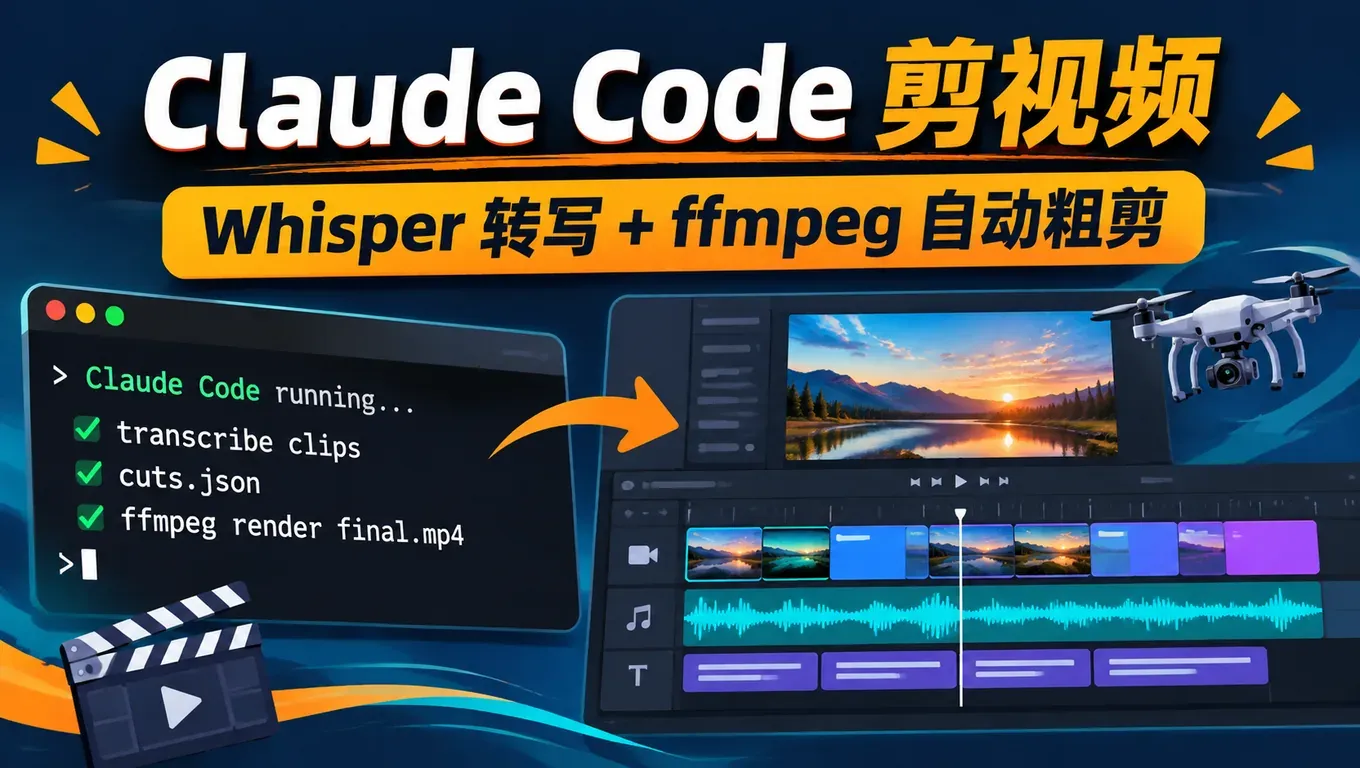
Short answer: Claude Code can't "watch" video, but it can run Whisper on your machine to turn each clip's speech into timestamped text, pick the best take from that text, trim the dead air at both ends, and stitch the result together with ffmpeg, subtitles included. That is the rough cut, and it is the slowest part of editing a vlog.
- This comes from levelsio. According to levelsio's post on November 1, he copied the clips from his DJI camera into a folder, opened Claude Code (Opus 5.5) in it and asked for a 10-minute vlog. He says he "made a few adjustments but not a lot", and transcription ran on mlx-whisper. By the afternoon of November 2 (UTC+8) the post had about 133,000 views and over 2,100 bookmarks.
- We rebuilt it with 6 test clips, and both Claude Code and Codex got through: each dropped the restart clip and the weaker duplicate take, kept 4 clips, cut 53.8 seconds of footage down to about 18 seconds, and wrote SRT subtitles plus a reusable
edit_vlog.pyscript. - Two caveats: Whisper misheard a place name (our "洱海" (Erhai Lake) came out as "海" (sea) and neither client noticed), and Claude Code only checked the audio and duration, not the picture. It said so itself and told us to watch the result before posting.
Create an API Key and try this workflow in Claude Code, Codex or Cursor →
What levelsio did
According to levelsio's post, the workflow has three steps: copy the camera clips into a folder, open Claude Code in that folder, and ask it to "edit it into a 10 minute vlog". Claude Code first transcribed everything he said with mlx-whisper, then decided what to keep and in what order.
In the replies, Sam Parr asked who handled the timestamps and the photo overlay, which shows what people want to know: how far does the AI really get? When someone asked whether editing is solved, levelsio replied that simple vlog edits like this already work, and more complex edits will take about a year.
That matches our test. Editing by what is said (best take, removing restarts and pauses, ordering, subtitles) works well today. Editing by what is seen (shot choice, color, cutting to music) still needs a person.
How the workflow works
Claude Code and Codex are coding agents that work in a terminal. They can't see video frames, but they can write code and run commands, so the edit is split into steps they are good at:
| Step | Tool | Output |
|---|---|---|
| 1. Transcribe | faster-whisper or mlx-whisper with word timestamps | transcripts/<clip>.json with start and end time for every word |
| 2. Select | The model reads the transcripts and spots repeats, filler and restarts | Which clips to keep and why |
| 3. Trim | Word timestamps, checked against ffmpeg silencedetect if needed | Start and end seconds per clip |
| 4. Edit list | A JSON file | cuts.json, which you can edit by hand |
| 5. Render | ffmpeg trim and concat | final.mp4 and subtitles.srt |
Step 4 is the important one. The edit decisions live in a plain JSON file, so if you don't like a cut you change a number and re-render, without asking the AI to start over.
Step 1: Create an API Key and connect Claude Code or Codex
- Sign up at aicodewith.ai, log in, open the API key page, create a key and copy the full string shown when it is created.
- Claude Code: set the base URL and key, then start it in the clips folder:
export ANTHROPIC_BASE_URL="https://api.aicodewith.ai"
export ANTHROPIC_AUTH_TOKEN="YOUR_API_KEY"
cd ~/Videos/2026-11-02      # the folder with your DJI_*.MP4 clips
claude --model claude-opus-5-5
To save the settings permanently, set them up on Windows or fix a login conflict, see How to connect Claude Code to a third-party API. For model choice, see Which model to use in Claude Code.
- Codex: put this in
~/.codex/config.toml, with the key inexperimental_bearer_token:
# ~/.codex/config.toml
model = "gpt-6.1-sol"
model_reasoning_effort = "medium"
model_provider = "aicodewith"

[model_providers.aicodewith]
name = "aicodewith"
base_url = "https://api.aicodewith.ai/chatgpt/v1"
wire_api = "responses"
experimental_bearer_token = "YOUR_API_KEY"
The full Codex setup is in the Codex installation guide.
Step 2: Install the transcription and editing tools
The agent writes its own scripts, but install Whisper and ffmpeg first so it doesn't stop halfway to install them and ask you to approve each step:
# Windows / Linux / Intel Mac
pip install faster-whisper
# Apple Silicon Mac (what levelsio used)
pip install mlx-whisper
# ffmpeg: brew install ffmpeg / sudo apt install ffmpeg / winget install ffmpeg
ffmpeg -version
mlx-whisper only runs on Apple Silicon Macs (whisper in mlx-examples). On Windows, Linux and Intel Macs use faster-whisper; that is what our test used, and the small model downloads automatically on first run.
Step 3: Give the agent the prompt
Put the raw clips in clips/ inside the project folder and give Claude Code or Codex the prompt below. This is the exact text from our test. Our footage was in Chinese, hence language zh; use en for English footage:
The clips/ folder has raw vlog clips straight off my camera (DJI_*.MP4, Chinese speech). Edit them into one short vlog:
1. Transcribe every clip with faster-whisper (model "small", language zh, word timestamps) and save the transcripts to transcripts/<clip>.json.
2. Pick the best takes: when I repeat a sentence keep only the better, more complete take, and drop clips that are only filler or me restarting. Trim the leading and trailing silence of each kept clip.
3. Write the edit decision list to cuts.json as [{"clip": ..., "start": seconds, "end": seconds, "reason": ...}] in playback order.
4. Render final.mp4 (1280x720, 30fps, H.264 + AAC) from cuts.json with ffmpeg, and write subtitles.srt with the kept speech, timed to final.mp4.
5. Verify with ffprobe that final.mp4 plays end to end, then reply with a short summary: which clips you kept or dropped and why, and the final duration.
Write the pipeline as a reusable script edit_vlog.py so I can rerun it on tomorrow's clips.
Three things in the prompt matter. Word timestamps let it trim to the word. cuts.json makes the edit decisions something a person can check and change. A reusable script means tomorrow's clips are a rerun, not another conversation.
To run it in the background without confirming each step, use non-interactive mode. In Claude Code, --allowedTools lets through only the Python and ffmpeg commands, which is safer than skipping every permission prompt:
# Claude Code, non-interactive
claude -p "$(cat prompt.txt)" --model claude-opus-5-5 \
  --permission-mode acceptEdits \
  --allowedTools "Bash(python3:*)" "Bash(ffmpeg:*)" "Bash(ffprobe:*)" "Bash(ls:*)" "Bash(mkdir:*)"

# Codex, non-interactive
codex exec --skip-git-repo-check --sandbox danger-full-access "$(cat prompt.txt)"
For Codex we used --sandbox danger-full-access because faster-whisper downloads its model on first run and the default sandbox blocks the network. That is a lot of access, so only use it in a folder dedicated to your clips. For Codex automation permissions, see the Codex automation permissions guide.
Test: Claude Code and Codex with an aicodewith key
We made 6 test clips at 720p, 8 to 11 seconds each, each with 2 seconds or more of silence at the start and end. The speech is a vlog voice-over from Dali, with two common problems planted on purpose:
DJI_0002only contains "uh, um, hold on, let me say that again", a restart.DJI_0003andDJI_0004are two takes of the same line. The second is more complete (it adds "and the Wi-Fi is fast") but has an "um" in the middle.
Both clients got the same prompt on the same Linux machine:
| Claude Code 2.1.316 + Opus 5.5 | Codex 0.164.0 + GPT-6.1 Sol | |
|---|---|---|
| Time | About 287 seconds, 25 turns | About 93 seconds |
| Kept | 0001, 0004, 0005, 0006 | 0001, 0004, 0005, 0006 |
| Dropped | 0002 (restart), 0003 (incomplete duplicate take) | Same |
| Output | 18.13 s, 1280×720, 30fps, H.264 + AAC | 18.2 s, same specs |
| Subtitles | 4 cues, one per clip | 6 cues, split at pauses |
| Self-check | ffprobe, full decode, trim points checked with silencedetect | ffprobe and full decode |
Both made exactly the same selection. Claude Code was slower and spent the extra time checking its own work: it verified every trim point with ffmpeg's silence detection and worked around a transcription library error (see below). Its cuts.json looked like this:
[
  {"clip": "DJI_0001.MP4", "start": 1.99, "end": 5.98, "reason": "大家好,今天我在大理,早上先去海边走一走。"},
  {"clip": "DJI_0004.MP4", "start": 1.83, "end": 8.66, "reason": "best of 2 takes (DJI_0003.MP4, DJI_0004.MP4)"},
  {"clip": "DJI_0005.MP4", "start": 1.87, "end": 5.96, "reason": "下午我们开车去苍山,路上风景特别好。"},
  {"clip": "DJI_0006.MP4", "start": 2.17, "end": 5.34, "reason": "好了,今天的视频就到这里,我们明天见!"}
]
The generated edit_vlog.py can rerun single stages, so after editing cuts.json you only re-render:
python3 edit_vlog.py                  # full pipeline, reuses cached transcripts
python3 edit_vlog.py --stage select   # only rebuild cuts.json and print keep/drop reasons
python3 edit_vlog.py --stage render   # re-render after you hand-edit cuts.json
Three problems the test turned up
- A place name was misheard. In both transcripts, "早上先去洱海边走一走" (a morning walk by Erhai Lake) became "早上先去海边走一走" (a walk by the sea). The subtitles were wrong too, and neither client noticed. Whisper does this a lot with proper nouns, so always read the subtitles before publishing.
- The mid-sentence "um" stayed in. Whisper simply left the "um" in clip 0004 out of the transcript, so the AI never knew to cut it, and you can still hear it in the output. To cut filler inside a sentence, ask for cuts at the word timestamps in the prompt and accept jump cuts in the picture.
- The agent listens but doesn't look. Claude Code said plainly that it only checked audio, timing and the file, not the picture. A blurry shot, a lens cap left on, or something in frame you didn't want to show: it won't know.
Common problems and errors
faster-whisper fails with a PyAV error when reading audio
Claude Code hit this in our test: the installed PyAV didn't work with the audio loader in faster-whisper 1.2.1. It worked around PyAV by decoding to 16 kHz mono with ffmpeg and passing that to the model, and everything ran after that:
# decode with ffmpeg instead of faster-whisper's built-in PyAV loader
import subprocess, numpy as np
def load_audio(path, sr=16000):
    raw = subprocess.run(["ffmpeg", "-v", "error", "-i", str(path), "-vn", "-ac", "1",
                          "-ar", str(sr), "-f", "f32le", "-"],
                         check=True, capture_output=True).stdout
    return np.frombuffer(raw, dtype=np.float32).copy()

segs, info = model.transcribe(load_audio(clip), language="zh", word_timestamps=True)
Place names, people's names or brands are transcribed wrong
Pass a full sentence that contains the word as initial_prompt and add hotwords. In our test a word list such as initial_prompt="洱海 苍山 大理 手冲" didn't help, and hotwords="洱海" on its own didn't either. With both together, and the prompt written as a sentence, "洱海" came out right:
segs, info = model.transcribe(audio, language="zh",
                              initial_prompt="今天去洱海边散步。",   # a sentence that contains the word
                              hotwords="洱海")
Subtitles are out of sync with the picture
Ask the agent to recompute subtitle times from each clip's start in cuts.json instead of reusing the original clip timestamps. In our test both clients' subtitles started at 0 seconds of the final video. The first cue looked like this:
1
00:00:00,150 --> 00:00:03,690
大家好,今天我在大理,早上先去海边走一走。
Long footage takes too long to transcribe
Start with the small model, confirm the pipeline works, then move to a larger one. Transcripts are saved in transcripts/, so changing the edit list doesn't re-transcribe. The Opus 5.5 effort level also affects run time; selecting takes is a well-scoped job, so the default is enough. See How to choose Claude Opus 5.5 effort.
You want it to cut every day
Turn the prompt and edit_vlog.py into a Skill so that "cut today's vlog" triggers it. See How to write a SKILL.md.
Summary
Editing video with Claude Code or Codex works today for a rough cut based on speech: transcribe, pick the best take, drop restarts and dead air, render and subtitle. In a few minutes a folder of clips becomes a watchable first cut. Proper nouns in the subtitles, picture quality, pacing and music still need your own pass.
Create an API Key and get started in Claude Code, Codex or Cursor →